Просмотр новости
Найдите то, что Вас интересует
 Спутники
 РН
РН SpaceX
 Роскосмос
 NASA
NASA
СпутникиРНSpaceXРоскосмосNASACompare the best deployment automation tools for Kubernetes, GitOps, and CI/CD. Discover features, use cases, and how to choose the right platform.
Nearly 40% of engineering teams have deployment failure rates above 16%, and over 56% need between 1 and 7 days to recover from a failed deployment. The right deployment automation tool can significantly cut both numbers, but only if it actually fits how your team builds, ships, and operates.
The challenge is that CI/CD pipelines, GitOps controllers, container management platforms, and infrastructure-as-code tools all automate deployments, but they solve different problems for different teams. Picking the wrong category can burn through months, but picking the right tool in the wrong category can waste even more.
This guide ranks the best automated software deployment tools in 2026, where each one shines and where they fall short. We’ll also cover how to choose the right deployment automation tool based on your team’s size, stack, and operational maturity.
| Tool | Best For | Standout Feature | Starting Price |
|---|---|---|---|
| Portainer | Vendor-agnostic Kubernetes management & container deployment automation | Built-in GitOps, form-based deployments, and multi-cluster governance in one platform | Speak to Sales |
| Argo CD | GitOps-native Kubernetes delivery | Continuous drift detection and auto-sync from Git | Free (open source) |
| Jenkins | Customizable end-to-end CI/CD pipelines | 1,800+ plugins covering virtually any workflow | Free (self-hosted) |
| Octopus Deploy | Dedicated deployment automation | Multi-tenant release promotion across environments | From $4,330/year |
| GitHub Actions | Teams already building on GitHub | 22,000+ reusable actions in the marketplace | Free tier available |
| GitLab CI/CD | All-in-one DevOps with built-in CI/CD | Auto DevOps with built-in container registry | Free tier available |
| Azure DevOps | Enterprise teams in the Microsoft ecosystem | Full DevOps suite with native Azure integration | Free tier available |

Portainer is a self-hosted container management software with built-in deployment automation for Docker, Kubernetes, and Podman environments.
It runs as a lightweight container on your own infrastructure, consuming as little as 1 vCPU and 2GB of RAM while managing thousands of clusters.
Unlike dedicated CI/CD tools that handle the build-and-test pipeline, Portainer focuses on the deployment and operations layer, giving enterprise IT teams full control over how applications get to production.
The result is an automated deployment system that covers GitOps, form-based workflows, and template-driven deployments, all wrapped inside a governance layer. It’s enterprise-grade deployment control without the enterprise-grade overhead.
Check out this video to learn how to deploy Portainer on Kubernetes:
Key Features1. GitOps-Based Continuous DeploymentPortainer has GitOps built in. You connect a Git repository, point to a manifest path, and Portainer continuously reconciles your live environment with that repo.
Any change pushed to your manifest is automatically pulled and deployed. No need for a separate Argo CD or Flux layer sitting alongside your management platform.
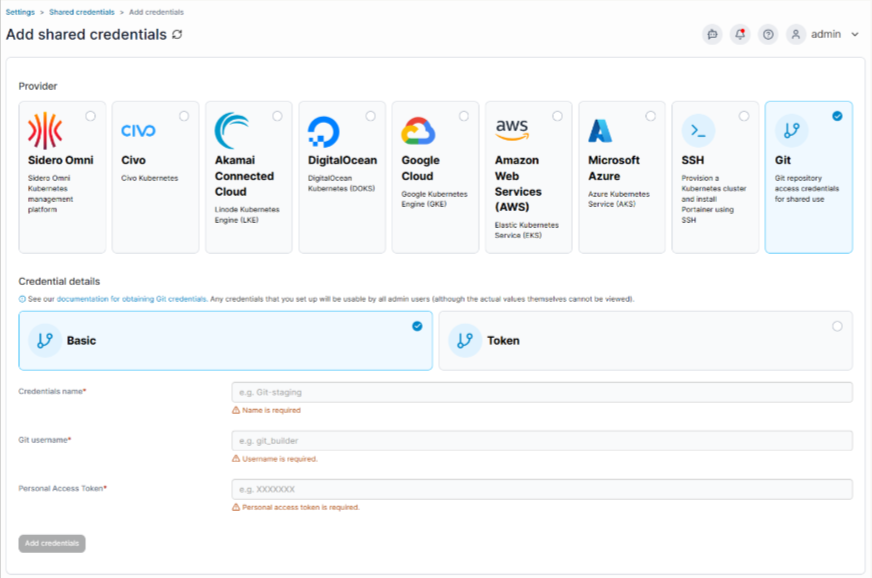
You can choose between polling-based sync or webhooks, depending on your workflow. And if local drift is a concern, toggling “always apply manifest” forces the cluster back to what’s defined in code, every time.
For production environments where infrastructure-as-code is non-negotiable, Portainer lets you disable form-based deployments entirely and enforce GitOps-only workflows across specific clusters.
2. Form-Based and Template-Driven DeploymentsNot every deployment needs a YAML file. Portainer’s deployment form lets teams ship applications by filling in fields: image name, environment variables, resource reservations, instance count, and networking config.

Before anything hits the cluster, Portainer validates that the resources are actually available and the configuration is sound.
This matters because raw Kubernetes accepts any deployment manifest, whether or not the cluster can actually run it. The result is pods stuck in a Pending state with no clear feedback on what went wrong. Portainer catches those misconfigurations before they happen.
For repeatable workflows, teams can build custom application templates that standardize deployments across environments. Pick a template, fill in the variables, and deploy. Same outcome every time, regardless of who’s deploying.
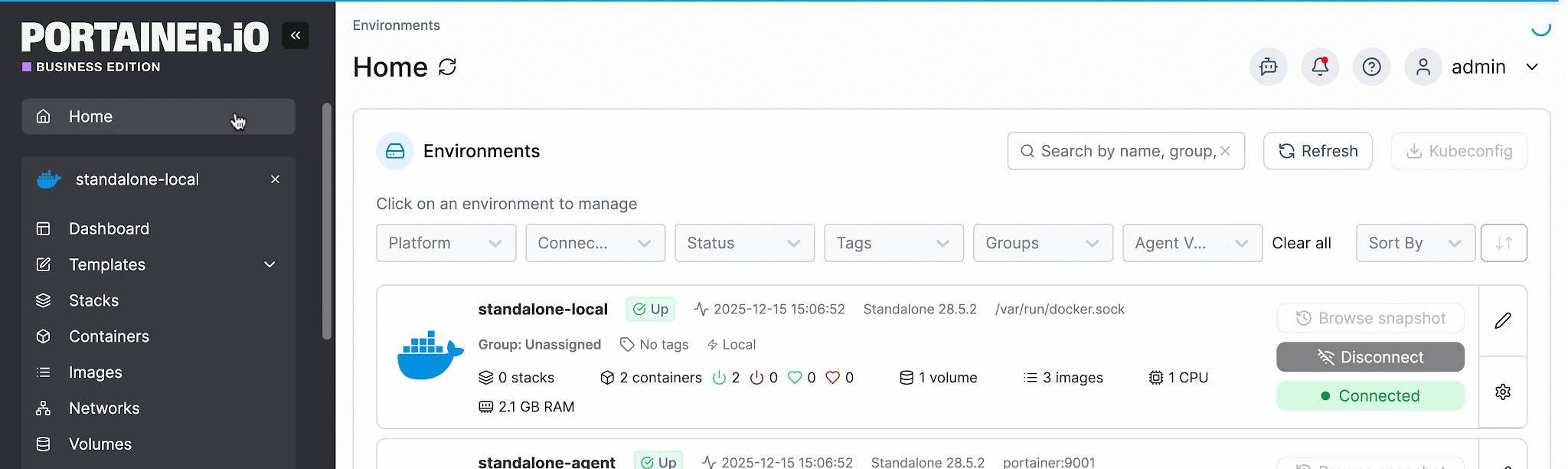
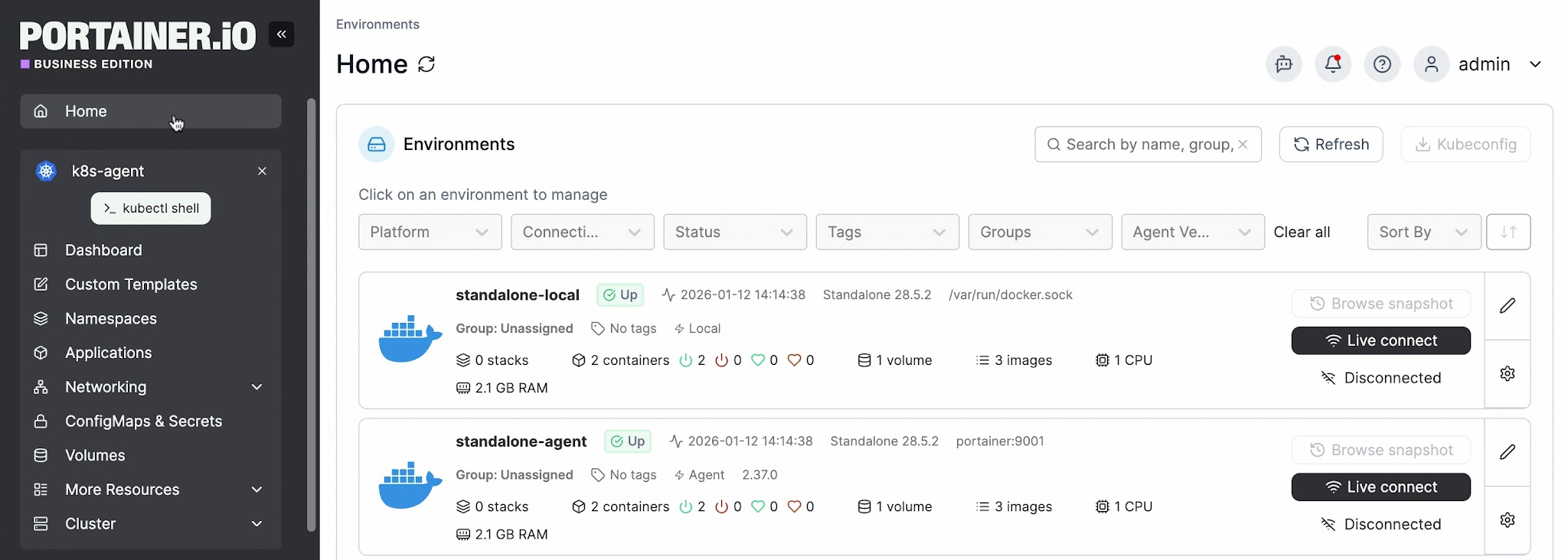
Portainer manages all your clusters from one dashboard, whether they run on Amazon EKS, Google GKE, Azure AKS, self-managed Kubernetes, or edge devices.
Each environment gets its own policy controls. You define which registries are allowed, which storage classes are available, who can deploy to which namespace, and when changes can happen through configurable change windows.
This is where Portainer separates from pure deployment automation tools. It wraps deployment automation within a governance and access-control layer, so teams get both speed and oversight without running separate platforms for each.

For organizations managing infrastructure across multiple clouds and on-prem, the value of multi-cluster management is straightforward: one login, one set of policies, full visibility across everything.
{{article-cta}}
Pricing| Pricing Plans | Cost |
|---|---|
| Enterprise IT | Enterprise pricing: Speak to sales |
| Edge / IIoT | Enterprise pricing: Speak to sales |
For complete plan details and volume-based options, visit Portainer’s Enterprise Pricing page.
Where Portainer Shines“I use Portainer for managing my server and Docker installations, and I really appreciate being able to handle things visually with an intuitive GUI. It’s quick to deploy and everything is clearly organized, which is important to me. The GUI is not only visually appealing but also functional, allowing me to edit code and organize deployments or stacks without having to use the CLI. I find it makes managing Kubernetes and Docker clusters really easy. The initial setup was also very easy, especially with a good tutorial I found on YouTube,” shares Amer H.
“Portainer makes container management incredibly straightforward. The UI is clean and intuitive, which saves a lot of time compared to manually managing Docker or Kubernetes through CLI. It’s easy to deploy and we use it frequently for day-to-day container tasks. Setting up environments, managing stacks, and monitoring resource usage feels effortless. The role-based access control and team management features are also very handy in a collaborative setup,” says Bharath D.
Who Portainer is Best ForIndustrial and IoT teams deploying at the edge: Portainer’s edge agent and offline sync are purpose-built for low-bandwidth, distributed environments where reliability is non-negotiable.
Book a Portainer demo to see how teams automate Kubernetes deployments with full governance and zero tool sprawl.

Argo CD is an open-source, declarative GitOps continuous delivery tool built specifically for Kubernetes. The CNCF graduated project uses Git repositories as the single source of truth for application state and continuously syncs your clusters to match what’s defined in code.
Key FeaturesArgo CD is fully open source under the Apache 2.0 license and free to use.
Where Argo CD Shines“I like how Argo CD makes Git a true single source of truth for Kubernetes. It continuously compares the live cluster state with what’s in Git, highlights any drift in a clean UI, and lets me sync everything back either with a single click or automatically,” shares Artsiom H.
“Argo CD is powerful, but it can be complex to configure initially, especially when setting up multiple clusters or more advanced automation policies. The UI, although helpful, can sometimes lag when dealing with large-scale deployments,” says Alan R.
Who Argo CD is Best For
Jenkins is an open-source automation server that covers the full CI/CD pipeline, from building and testing code to deploying it across virtually any environment.
Key FeaturesJenkins is fully open source and free to use. The cost is infrastructure and the engineering time to keep it running.
Where Jenkins Shines“What I appreciate most about Jenkins is its flexibility and the vast plugin ecosystem it offers. With Jenkins, I can create custom CI/CD pipelines that are compatible with nearly any environment,” says Chetan V.
“Initial setup and configuration can be complex, especially for beginners. Managing plugins and upgrades some causes compatibility issues, and the UI feels outdated compared to modern CI/CD tools,” shares Sandeep R.
Who Jenkins is Best For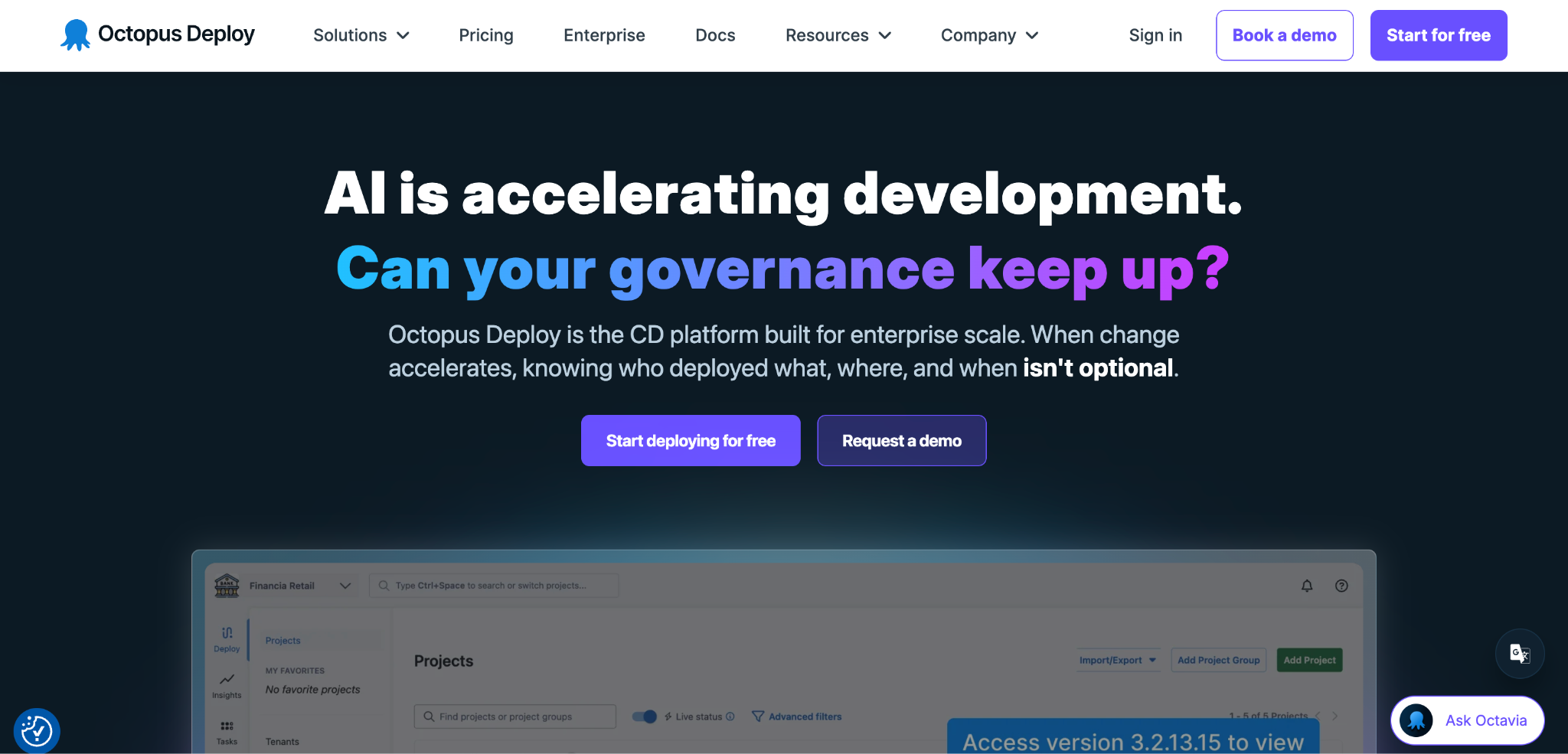
Octopus Deploy is a continuous delivery platform built specifically for deployment. It picks up where your CI tool leaves off, taking tested build artifacts and orchestrating their release across Kubernetes, cloud services, Windows and Linux servers, and database targets.
For teams that need database deployment automation tools alongside application delivery, Octopus handles both from the same pipeline.
Key Features| Plan | Octopus Cloud | Octopus Server |
|---|---|---|
| Free | $0/year (10 projects, 10 machines) | $0/year (10 projects, 10 machines) |
| Professional | From $4,330/year | From $2,080/year |
| Enterprise | From $24,600/year | From $15,600/year |
“Octopus Deploy is the optimal option for managing application deployment by using builds and releases. It's an easy solution to achieve this with a very simple UI. It has a good feature for creating releases easily,” says Rupak R.
“One area that could be improved is the learning curve. Setting up complex deployment pipelines can feel overwhelming for new users. The UI, while powerful, sometimes feels cluttered when managing large projects. Also, better built-in reporting and analytics would make tracking deployment metrics easier,” shares Nikhil R.
Who Octopus Deploy is Best For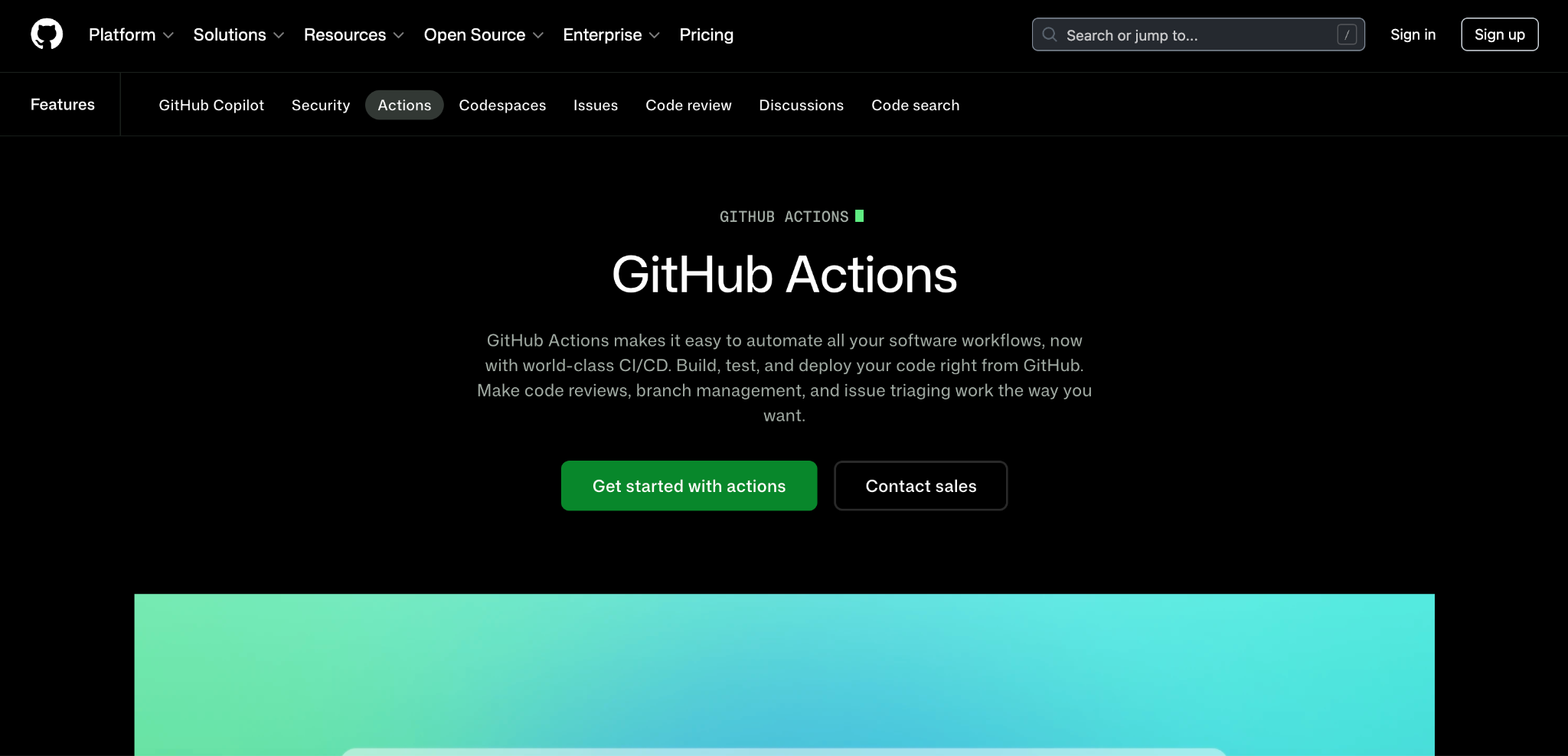
GitHub Actions is a CI/CD platform built directly into GitHub that automates build, test, and deployment workflows from your repository.
Key Features| Plan | Cost | Actions Minutes (Private Repos) |
|---|---|---|
| Free | $0 | 2,000 min/month |
| Team | $4/user/month | 3,000 min/month |
| Enterprise | Starting at $21/user/month | 50,000 min/month |
“The biggest advantage of GitHub is the CI/CD pipelines we built using GitHub Actions. This keeps us deployment-ready as soon as development is ready,” says Dinesh S.
“The UI can feel cluttered and some advanced features are hidden behind multiple menus, which slows down navigation. Pricing for private repos and advanced CI/CD minutes can also become expensive for teams. Occasionally, large repos or Actions pipelines feel slower than expected,” shares Avani S.
Who GitHub Actions is Best For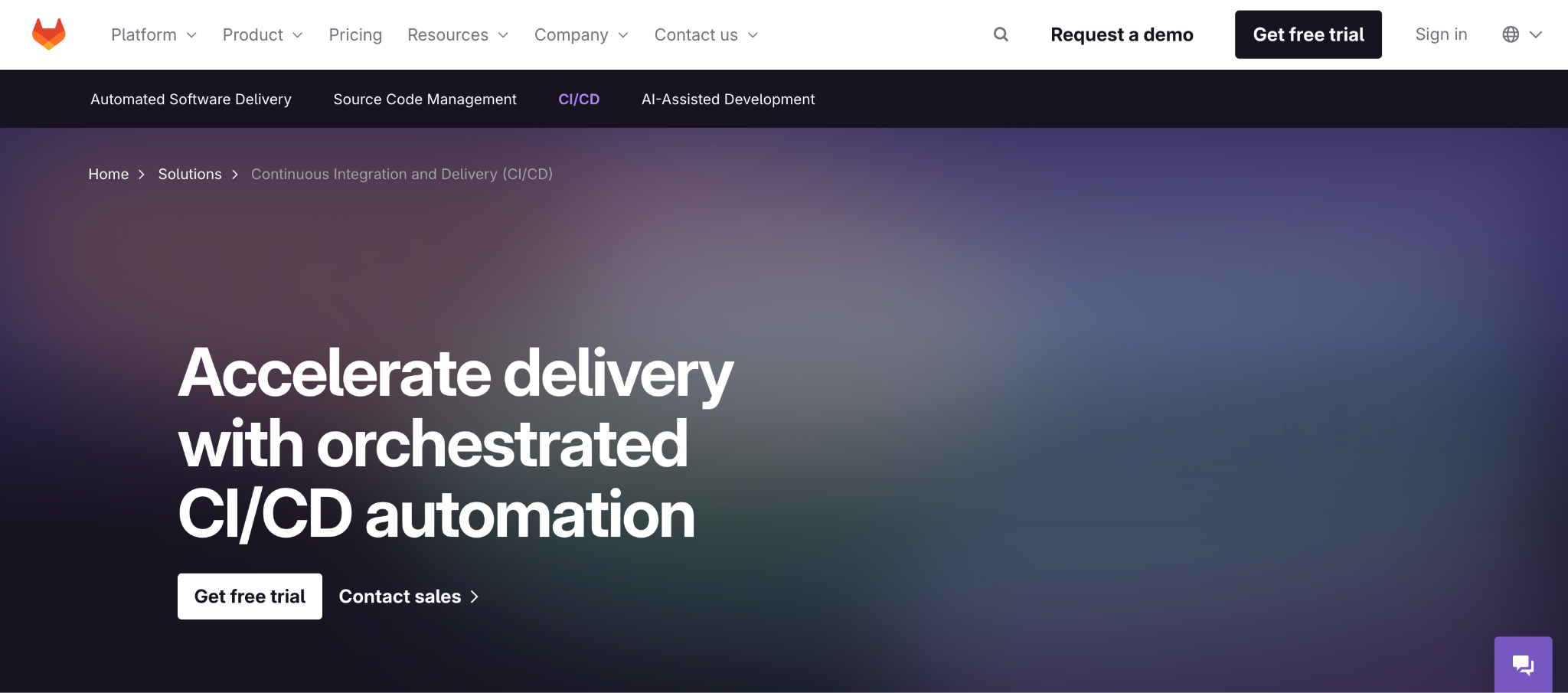
GitLab CI/CD is the built-in continuous integration and delivery platform within GitLab’s DevOps suite.
Key Features| Plan | Cost | CI/CD Minutes (Per Month) |
|---|---|---|
| Free | $0 (up to 5 users) | 400 min |
| Premium | $29/user/month | 10,000 min |
| Ultimate | Custom pricing | 50,000 min |
“The built-in CI/CD system is incredibly powerful and flexible — writing pipelines with .gitlab-ci.yml is straightforward once you get the hang of it,” says Claudio G.
“CI/CD setup is powerful but can be confusing, especially when debugging pipeline issues,” shares Rinu L.
Who GitLab CI/CD is Best For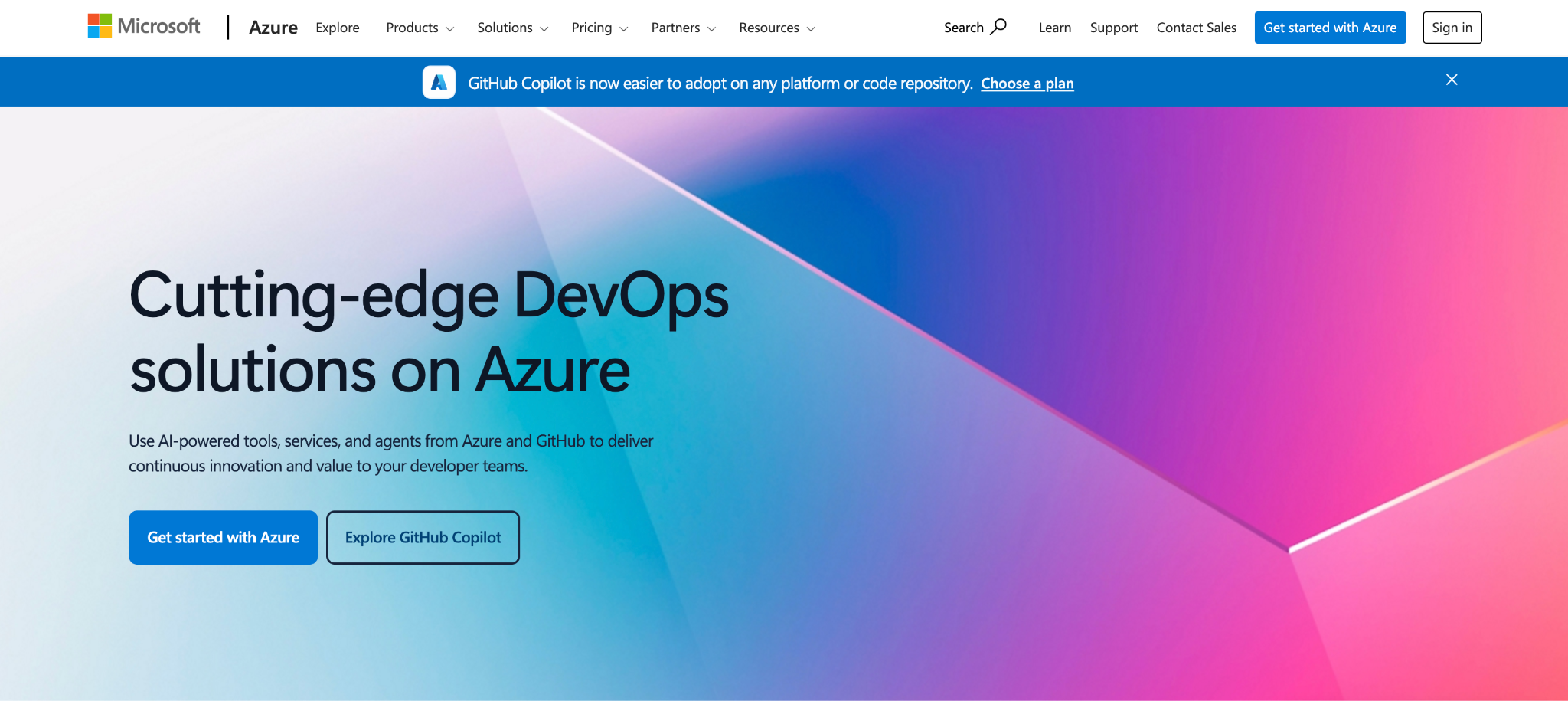
Azure DevOps is Microsoft’s all-in-one DevOps platform covering repositories, CI/CD pipelines, project boards, backlogs, and package management.
Key Features| Plan | Cost |
|---|---|
| Free | $0 (up to 5 users, 1,800 CI/CD min/month) |
| Basic | Starting at $6/user/month |
| Basic + Test Plans | Starting at $52/user/month |
“It can get little complex when setting up advanced pipelines and managing permissions. These things sometimes feel difficult and needs extra effort to configure correctly,” shares Shiva P.
“It is a good system for managing PBIs and tickets for software development. It has comprehensive parameters for each ticket type and has a whole host of integrations that make life easier and keep roadmaps in sync,” says Jonny K.
Who Azure DevOps is Best For{{article-cta}}
How to Choose the Right Deployment Automation ToolPicking the right deployment automation tool comes down to how your team works, what you’re deploying to, and how much operational overhead you’re willing to carry. Here are the key factors to evaluate.
1. CI/CD vs. Deployment-Only vs. Container ManagementThe first decision is scope. Some tools cover the entire pipeline from build to production; others focus exclusively on deployment orchestration; and some wrap deployment automation within a broader container management platform.
The distinction matters because teams that already have a CI pipeline don’t need another. They need a tool that handles what happens after code is built and tested: deploying, configuring, and running it reliably across environments.
Portainer, for example, doesn’t replace your CI tool. It automates deployments through built-in GitOps, form-based workflows, and reusable templates, while adding governance and multi-cluster management on top.
A tool that works well for a single Kubernetes cluster can fall apart when you’re managing workloads across multiple clouds, on-prem data centers, and edge locations.
Before choosing, map out where your applications actually run and how many environments you need to manage from one place. If your infrastructure spans multiple providers or includes a mix of Docker, Kubernetes, and edge devices, you need a tool that doesn’t lock you into a single platform.
Portainer is one of the few Kubernetes management tools that manages EKS, GKE, AKS, self-hosted Kubernetes, Docker, and edge environments from a single dashboard, making it practical for hybrid and multi-cloud teams that don’t want to maintain separate toolchains per provider.
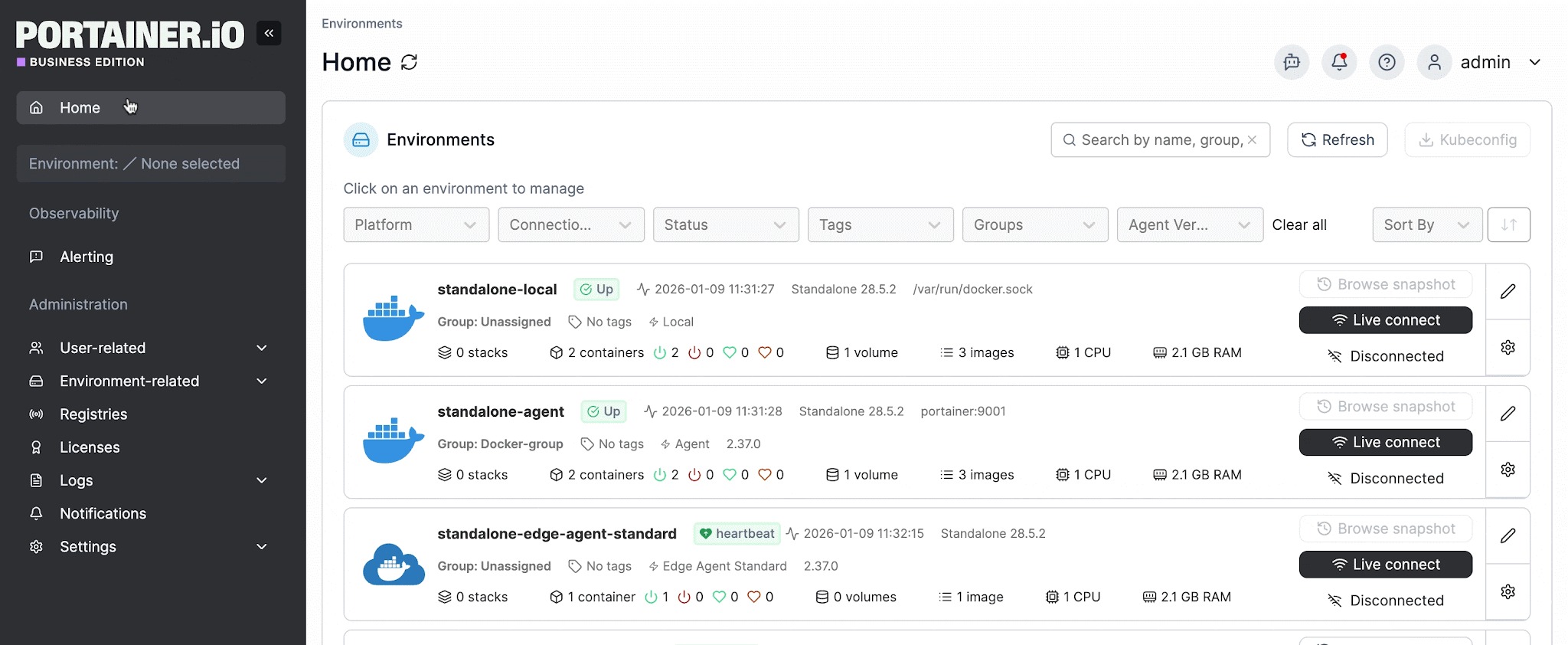
If you already have a CI pipeline, container registries, identity management, and observability tools in place, the deployment automation tool you pick needs to fit into that stack without forcing you to replace what already works. The fewer workarounds and custom integrations required, the faster your team gets to production.
Portainer plugs into existing infrastructure rather than replacing it. It connects to any Kubernetes distribution, works alongside your current CI tool, integrates with LDAP/SSO for identity, and feeds data into observability platforms like Prometheus and Grafana through the Portainer API.
Automate Your Kubernetes Deployments with PortainerDeploying and managing containers across multiple environments is complex, and every tool in this guide solves at least one piece of that puzzle.
But if your team needs deployment automation, governance, and multi-cluster visibility without stitching together separate platforms, Portainer brings it all into one place.
It runs in minutes, works with any Kubernetes distribution, and gives both engineers and non-specialists a single interface for deploying with confidence.
Book a demo to see Portainer in action, or read more about how teams automate Kubernetes deployments with built-in GitOps and governance.
| # | Наименование новости | Тональность | Информативность | Дата публикации |
|---|---|---|---|---|
| 1 | 7 Best Kubernetes Deployment Tools in 2026: In-Depth Review | 5 | 7 | 02-05-2026 |
| 2 | 5 Best Container Monitoring Tools in 2026: Features & More | 0 | 7 | 02-03-2026 |
| 3 | 6 Best Container Management Software & Platforms (2026 Reviewed) | 5 | 7 | 06-03-2026 |
| 4 | 5 Best Industry 4.0 Tools for Smart Manufacturing (2026 Guide) | 5 | 7 | 08-04-2026 |
| 5 | 2026 Kubernetes Deployment Guide: How to, Solutions & More | 5 | 8 | 03-05-2026 |
| 6 | 5 Best Kubernetes Security Tools in 2026: Full Breakdown | 0 | 5 | 06-05-2026 |
| 7 | 7 Best Kubernetes Managed Service Providers for 2026 | 0 | 7 | 17-03-2026 |
| 8 | Portainer vs ArgoCD vs FluxCD: Key Differences & Use Cases | 0 | 7 | 31-01-2026 |
| 9 | Docker Swarm vs Kubernetes: Which Should You Use in 2026? | 0 | 7 | 15-02-2026 |
| 10 | 7 Best Kubernetes Management Tools Tested & Ranked for 2026 | 0 | 5 | 06-05-2026 |