Просмотр новости
Найдите то, что Вас интересует
 Спутники
 РН
РН SpaceX
 Роскосмос
 NASA
NASA
СпутникиРНSpaceXРоскосмосNASAYour infrastructure rarely breaks all at once. More workloads get deployed, environments multiply, and suddenly a single Kubernetes cluster becomes a bottleneck. Kubernetes multi-cluster management gives you a scalable way to operate, secure, and standardise workloads across every environment.
In this guide, we will explain what Kubernetes multi-cluster management is, when you need it, and the architecture patterns teams use for multi-cluster deployments. We will also compare the leading multi-cluster tools and walk you through a step-by-step process to set up your own multi-cluster environment.
Kubernetes multi-cluster management lets you run, monitor, and secure multiple clusters through one central layer.
Instead of managing each cluster independently, platform and DevOps teams use this layer to enforce consistent policies, role-based access controls, configuration standards, and automated deployments across all environments.
This creates stronger workload isolation, predictable performance, and gives organisations a stable way to scale their Kubernetes footprint without added operational overhead.
Benefits of Multi-Cluster ManagementThere are several benefits of multi-cluster management. Here are the most important ones:
Multi-cluster environments solve several problems, but they also introduce new operational challenges in Kubernetes management:
There’s no single “correct” way to run multiple Kubernetes clusters. The right architecture depends on how your organisation structures workloads, scales applications, and defines boundaries between teams or environments. Below are four proven patterns commonly used in real-world multi-cluster deployments.
1. Application-Centric ArchitectureIn an application-centric model, applications drive the deployment strategy. Each app determines where it runs, and clusters act as interchangeable execution environments.
Suitable for: Teams that deploy globally, release frequent updates, and want flexible placement without tightly coupling apps to a single environment.
Trade-off: This approach requires strong deployment automation, clear traffic-routing rules, and consistent configuration standards to prevent fragmentation as the number of clusters grows.
2. Cluster-Centric ArchitectureCluster-centric Kubernetes architecture treats clusters (not applications) as the primary building block. Each cluster has a defined purpose, baseline configuration, and governance model, and applications are deployed into those predefined environments.
Suitable for: Organisations with strict compliance zones, regional boundaries, or large platform teams that want predictable, tightly governed infrastructure.
Trade-off: It reduces flexibility. Workloads must adapt to the cluster’s constraints, and cross-cluster portability becomes harder if configurations drift over time.
3. Replicated ArchitectureIn a replicated setup, each cluster is an identical copy (same configuration, same services, same deployment model), usually spread across multiple regions to improve latency, resilience, or failover.
Suitable for: Businesses operating globally or those that need consistent user experiences across regions, as well as teams that prioritise high availability and fault isolation.
Trade-off: Operating many identical clusters increases maintenance overhead. Every upgrade, policy, or config change must be applied in multiple places, which requires strong automation to avoid drift.
4. Split-by-Service ArchitectureIn this pattern, clusters are separated by service type or function (e.g., frontend, backend, data processing, ML workloads, or internal vs. customer-facing services). Each cluster is optimised for the type of workload it runs.
Suitable for: Teams with diverse workloads that have different performance, compliance, or scaling requirements.
Trade-off: Cross-service communication becomes more complex. Ensuring reliable, low-latency connectivity between clusters requires careful traffic management and, often, a service mesh to maintain consistency.
Advantages of Running Multiple ClustersRunning multiple Kubernetes clusters has several advantages. Here are some of the most meaningful ones:
ScalabilityA multi-cluster setup gives organisations the freedom to scale workloads without stretching a single control plane to its limit. Each cluster can grow on its own timeline and use whatever hardware, region, or cloud provider makes sense for its workload.
This avoids the bottlenecks that come with running one oversized cluster and makes it easier to handle seasonal traffic or sudden load spikes. It also keeps resource planning predictable as demand rises, all without disrupting anything already in production.
PerformanceSince workloads don’t compete within a single environment, multi-cluster Kubernetes improves overall performance. Teams can run latency-sensitive services in regions closest to users, run intensive processing on dedicated clusters, and route traffic through the fastest available path. This eliminates unnecessary network hops and maintains consistent performance across all clusters.
Isolation of workloadsRunning multiple clusters gives teams natural separation between applications, tenants, and environments. Instead of packing everything into a single control plane, each cluster acts as its own boundary with dedicated nodes, policies, and API limits.
This limits the blast radius when something breaks, helps meet strict compliance requirements, and gives teams the freedom to evolve their environments independently without risking unintended changes elsewhere.
ReliabilityA multi-cluster setup increases the reliability of your applications by removing the dependency on a single control plane.
If one cluster goes down, whether due to a regional failure, network issue, or a cloud provider incident, your workloads can continue running on another cluster with minimal disruption.
Teams can also distribute replicas across regions to guard against localized failures and maintain steady availability, so applications stay accessible even when parts of the infrastructure are offline.
SecurityThe security posture of your Kubernetes environments improves when workloads are spread across multiple clusters. Each cluster becomes its own trust zone with dedicated access controls, network policies, and isolation boundaries.
Sensitive workloads can run in tightly restricted environments, while lower-risk applications use lighter controls without affecting critical systems. This separation limits the impact of attacks or configuration errors and makes it easier to meet data-isolation and compliance requirements such as SOC 2, ISO 27001, and HIPAA.
Overcoming Common Multi-Cluster ChallengesRunning multiple Kubernetes clusters doesn’t come without its challenges. Here’s how organisations can address the most common issues teams face in multi-cluster environments.
ComplexityManaging several clusters means more moving parts, more decisions, and more opportunities for environments to drift apart. Teams have to coordinate upgrades, policies, add-ons, and lifecycle tasks across every cluster, which quickly becomes unmanageable without a consistent operating model.
How to overcome this challenge: The most effective way to reduce operational complexity is to centralise governance, automate routine cluster work, and use standardised templates or GitOps workflows to keep every environment aligned.
CostUnsurprisingly, running multiple clusters isn’t cheap and will naturally increase your overall cloud and infrastructure costs. Each cluster has its own compute nodes, storage, networking, and IP allocation costs, and without clear ownership or scaling rules, organisations often overprovision resources or keep clusters running longer than needed.
In fact, industry analyses show that over 65% of Kubernetes workloads consume less than half of the CPU and memory they request, highlighting how easily costs can balloon when no standardised sizing model is in place.
How to overcome this challenge: Start by defining cost boundaries for each team or environment, enforce autoscaling policies at the cluster level, and, most importantly, regularly audit resource usage. Standardising cluster sizing and using cost-visibility tools also helps prevent waste before it grows.
Cluster Sprawl and Management OverheadAs teams add more clusters for new regions, projects, or environments, the infrastructure footprint grows faster than expected. This “cluster sprawl” makes it hard to track what exists, who owns it, and whether each cluster is still necessary.
The operational overhead of maintaining unused or lightly used clusters builds up quickly and slows down day-to-day work.
How to overcome this challenge: Create clear ownership rules for every cluster, establish a lifecycle policy for creation and retirement, and maintain an up-to-date inventory. A central management layer also helps teams enforce standards and keep sprawl under control.
Networking and connectivityConnecting services across clusters naturally introduces networking challenges. Traffic has to move reliably between regions, clouds, or on-prem hosts, and even small misconfigurations can break inter-cluster communication, service discovery, routing rules, or load balancing.
Ensuring every cluster communicates securely and consistently also becomes harder as the environment grows.
How to overcome this challenge: Use a service mesh or cross-cluster networking layer to simplify routing, standardise how services communicate, and enforce consistent security policies. Clear traffic rules, predictable DNS patterns, and regular connectivity checks also help avoid surprises at runtime.
Multi-Cluster Management Tools To Help: Choosing the Right PlatformManaging multiple clusters can be overwhelming, but it doesn’t have to be. With the right platform, you can centralise visibility, reduce manual work, and keep every environment aligned, all without adding unnecessary complexity.
Here are the main types of tools (and standout options in each category) that help teams manage multi-cluster environments more effectively:
Unified Management PlatformsAs the name suggests, unified management platforms bring multiple clusters together under one control layer. They simplify operations by giving teams a consistent way to apply policies, manage access, and monitor environments without switching between tools.
These platforms are especially helpful for organisations whose Kubernetes adoption has outgrown a single cluster and now need predictable governance as their footprint expands.
Here are two leading options teams rely on for unified multi-cluster management:
Portainer: Best for Unified Multi-Cluster Kubernetes Management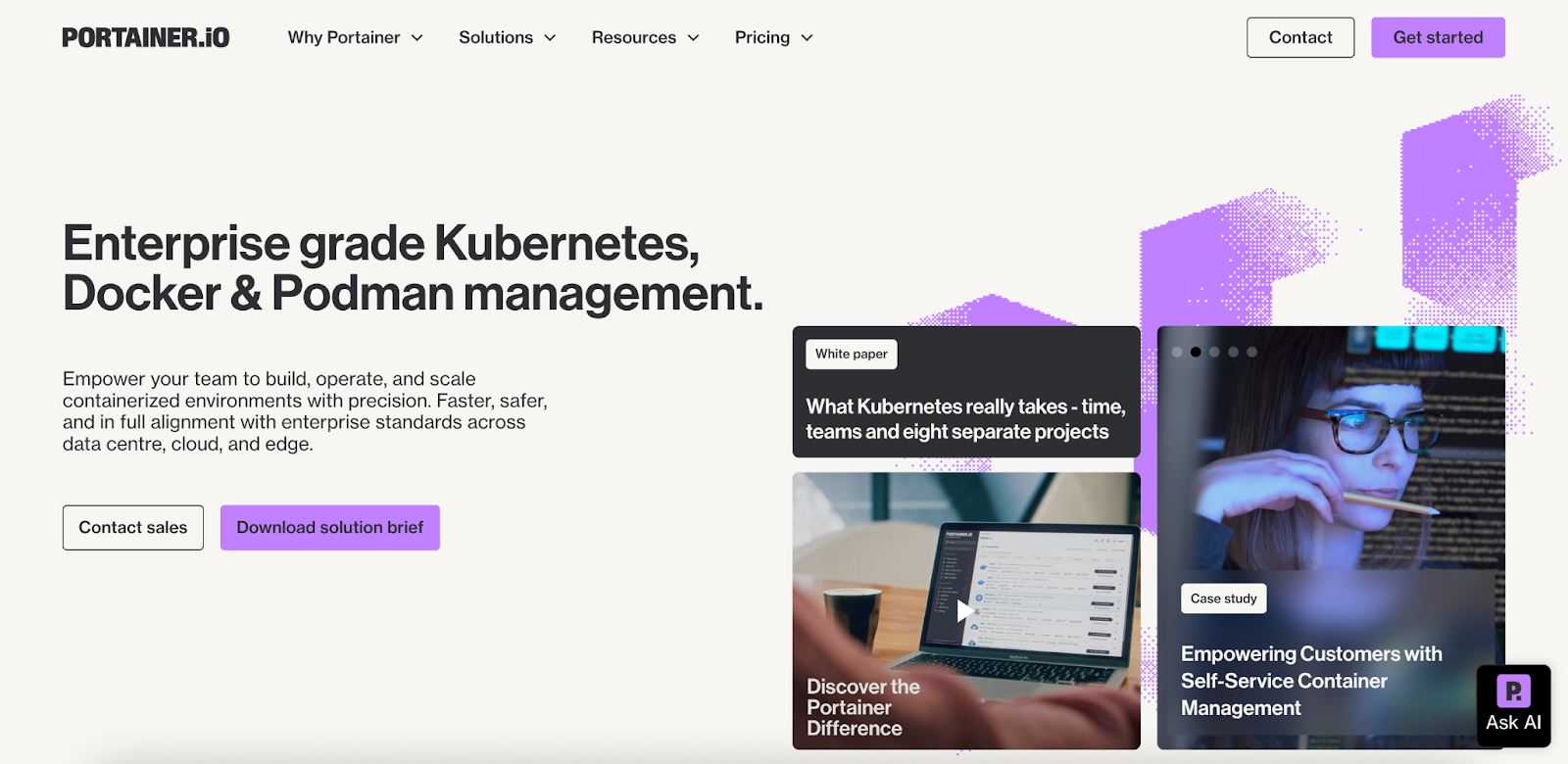
Portainer is a self-hosted Kubernetes management control plane built for teams that want centralised governance without the operational complexity of heavier platforms. It unifies Kubernetes, Docker Swarm, Podman, and edge environments into an easy-to-use interface and is widely recognised as one of the strongest Rancher alternatives.
Key features
Pricing
{{article-cta}}
Rancher: Best for Infrastructure-Level Kubernetes Lifecycle Management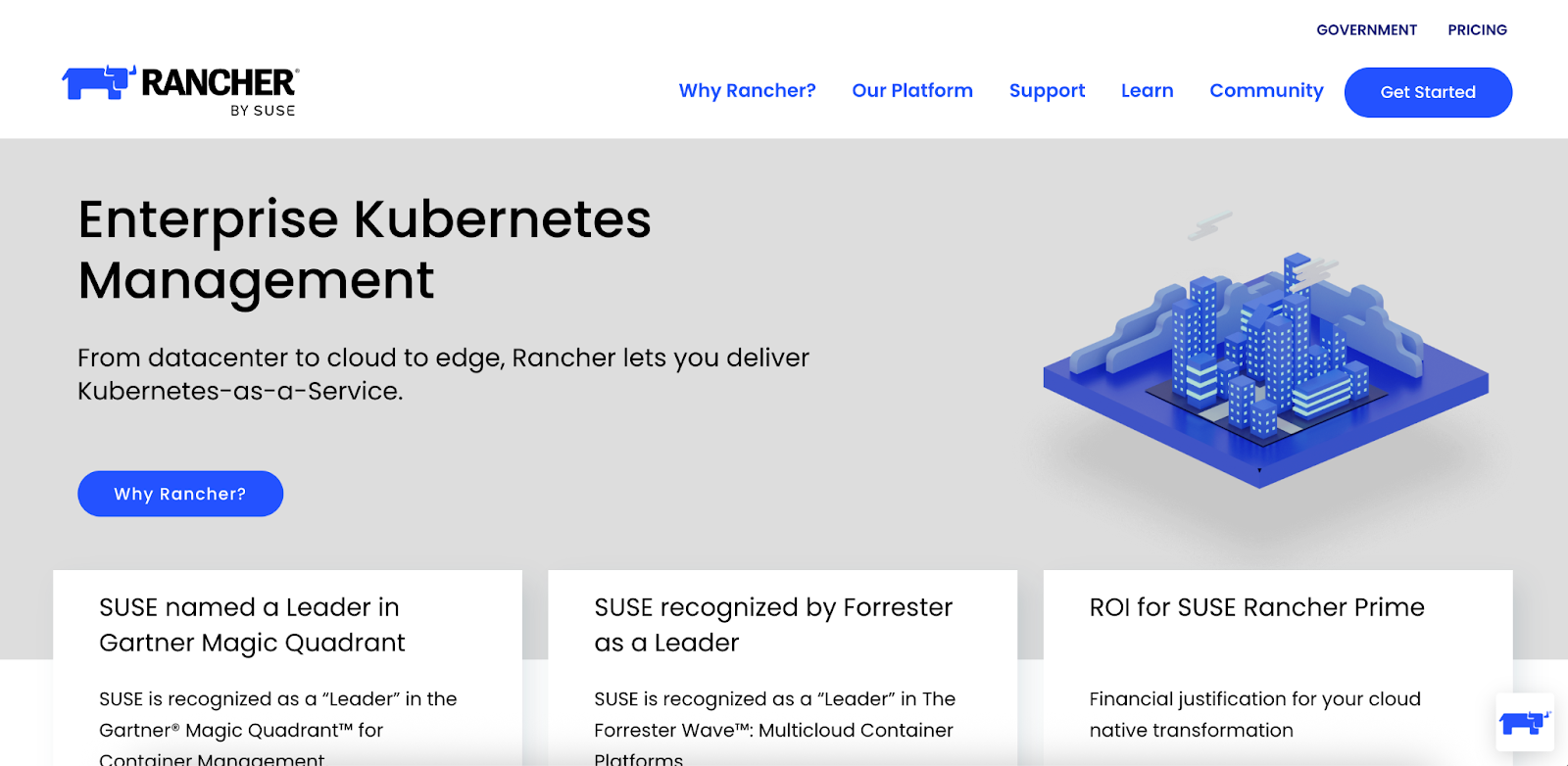
Rancher is an open-source Kubernetes management platform built for teams that need full control over cluster provisioning and infrastructure operations. It’s best suited to organisations that prefer an open-source approach and have the in-house expertise to manage Kubernetes at a deeper level.
Key features
Pricing
| Portainer | Rancher | |
|---|---|---|
| Ease of Use | Very easy (visual UI, minimal YAML) | More complex (YAML/CLI-heavy) |
| Core Strength | Centralised governance, GitOps, RBAC, edge management | Full cluster provisioning, upgrades, infra-level control |
| Ecosystem Support | K8s, Docker, Swarm, Podman, Edge | RKE, K3s, EKS, AKS, GKE |
| GitOps | Built-in | Requires Argo CD/Flux |
Open-source multi-cluster frameworks give organisations a flexible, vendor-neutral way to manage Kubernetes fleets. Here are two widely used options.
Karmada: Best for Kubernetes-Native Multi-Cluster Orchestration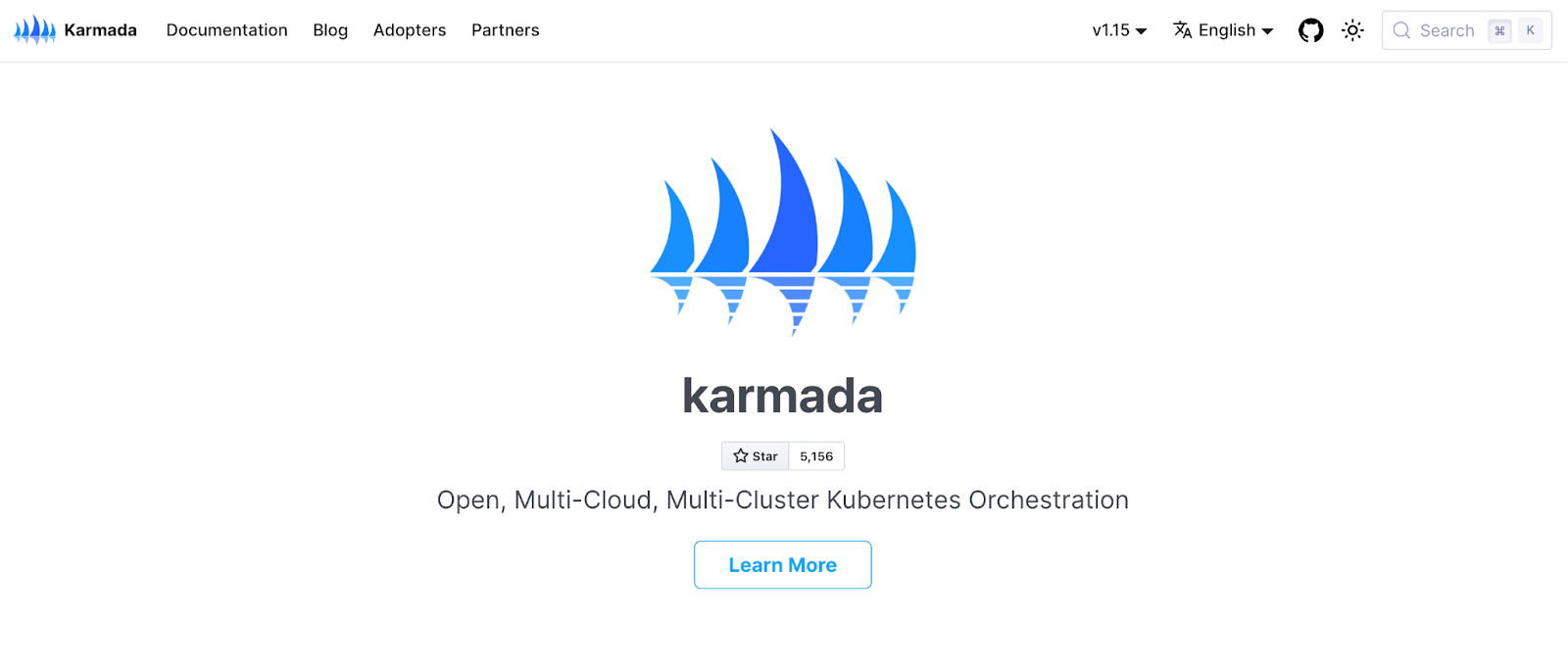
Karmada provides a Kubernetes-native approach to orchestrating workloads across multiple clusters. It’s designed for teams that want to deploy once and run workloads anywhere, without changing their Kubernetes workflows.
Key features
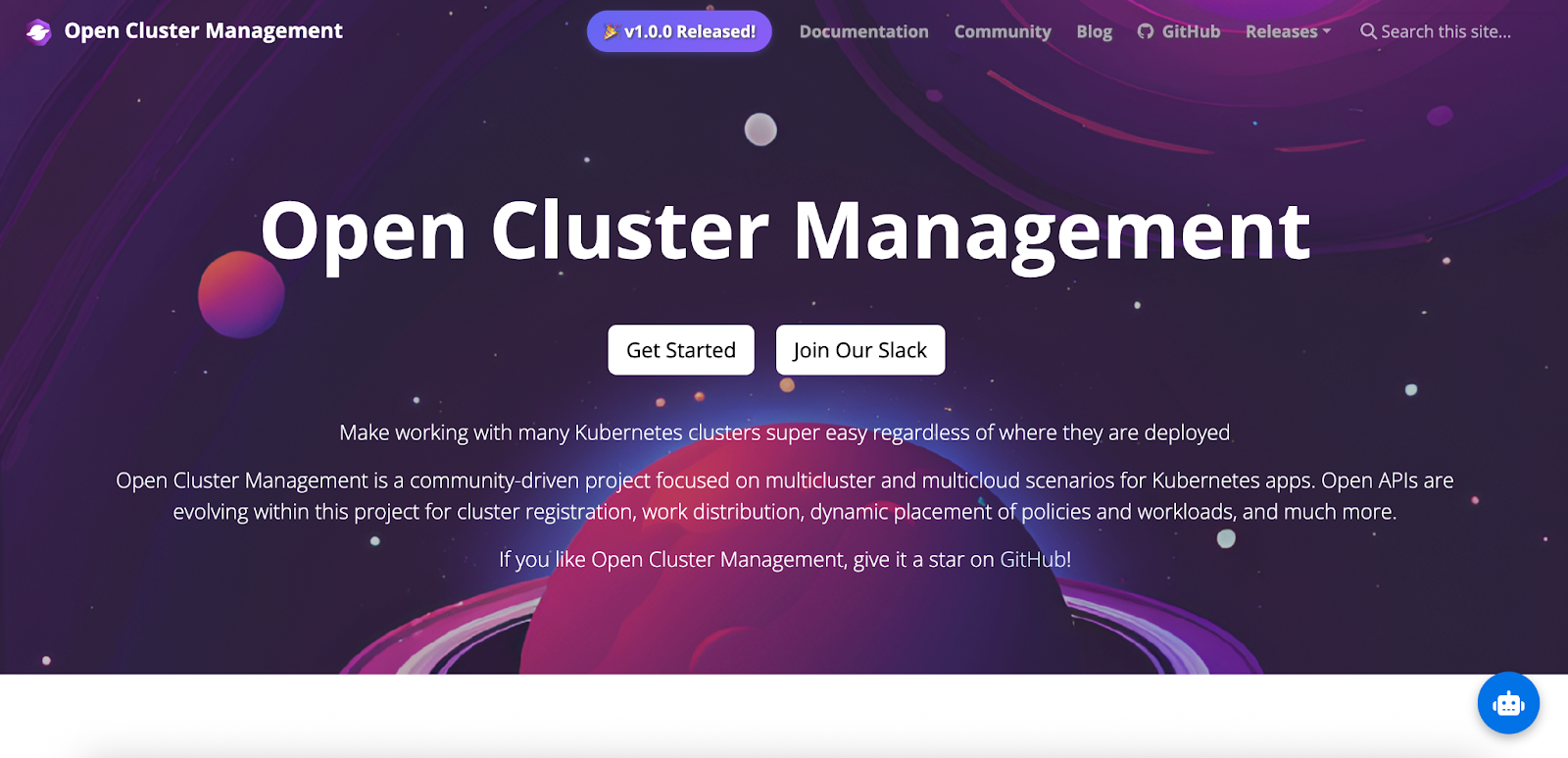
OCM is a CNCF project designed for organisations managing dozens or hundreds of clusters. Its hub-and-spoke architecture makes it easier to register clusters, apply governance, and maintain consistent configuration at scale.
Key features
| Karmada | OCM | |
|---|---|---|
| Approach | Control-plane style orchestration | Hub-and-spoke management |
| Workload handling | Deploy once, replicate across clusters | Placement, policies, and add-on workloads |
| Governance | Basic policy support | Strong compliance and policy features |
| Scale | Multi-cloud, hybrid | Dozens to hundreds of clusters |
GitOps tools help teams manage multi-cluster environments using declarative configurations stored in Git. They keep clusters aligned by continuously syncing workloads to the desired state, which is especially useful for organisations standardising deployments across regions or environments.
Here are two widely adopted GitOps tools teams rely on:
Argo CD: Best for Declarative, Visual GitOps Workflows
“Argo CD is a popular, CNCF-graduated GitOps controller, and in a recent CNCF end-user survey, nearly 60% of Kubernetes teams reported using Argo CD as their primary GitOps tool.
It excels at visual workflows and strong multi-cluster deployment capabilities, especially in GitOps-at-the-edge scenarios. This makes it a reliable choice for teams looking to standardise deployments across many environments.”
Key features
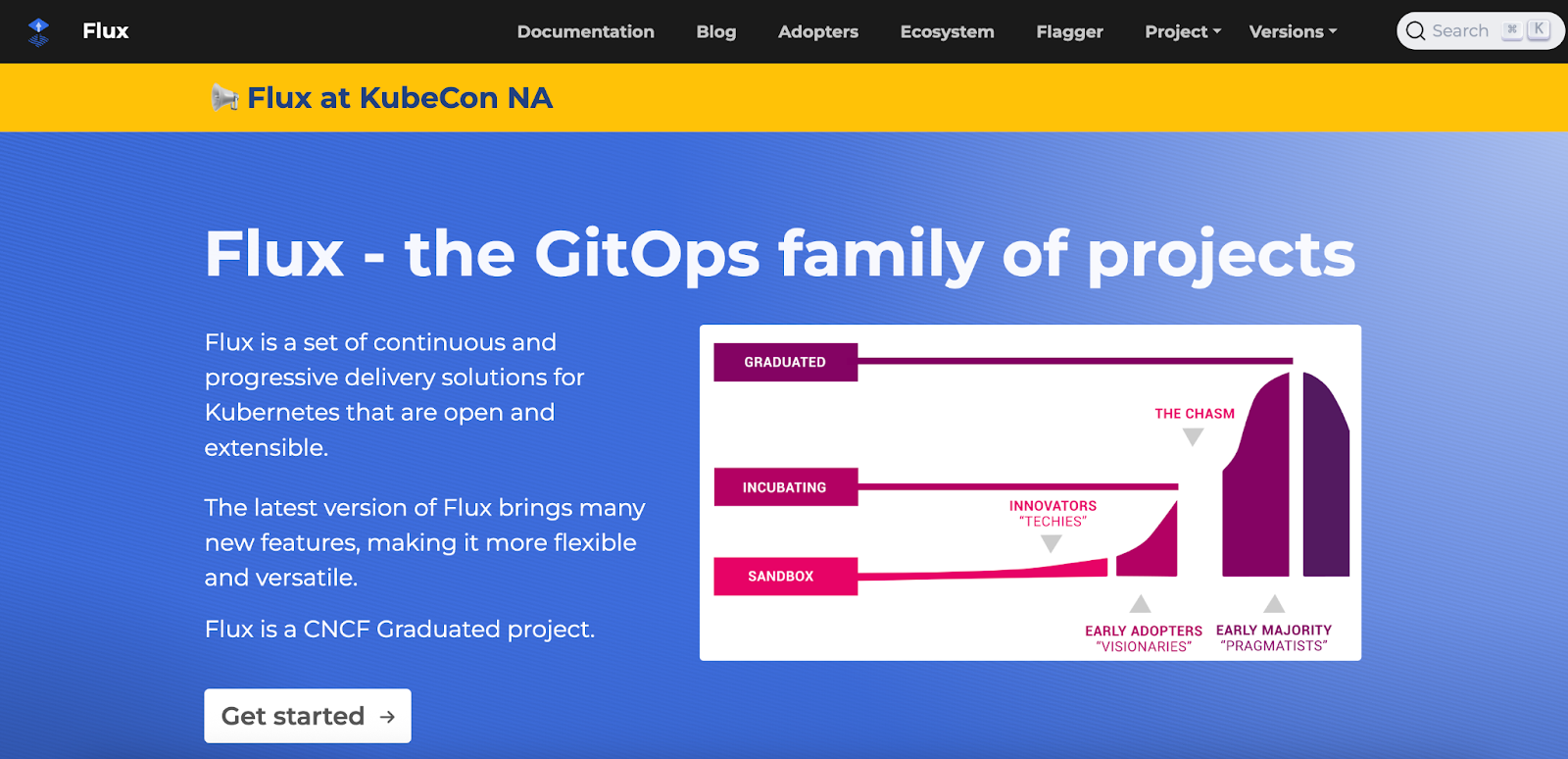
Flux is a lightweight, CNCF GitOps tool built around a modular “GitOps Toolkit.” Its composable design makes it ideal for teams that want fine-grained control or prefer a minimal, Kubernetes-native footprint.
Key features
| Argo CD | Flux | |
|---|---|---|
| Interface | Full UI + CLI | CLI + toolkit (no full UI) |
| Multi-cluster use | Strong app-centric deployments | Strong cluster-level reconciliation |
| Architecture | Single controller | Composable controllers |
| Config formats | Helm, Kustomize, YAML | Helm, Kustomize, YAML |
Service mesh tools handle secure, reliable communication between services and between clusters. They manage traffic routing, encryption, observability, and service-to-service policies, which is especially important when workloads run across regions or multiple Kubernetes clusters.
Here are two of the most commonly used service meshes for multi-cluster environments:
Istio: Best for Feature-Rich, Enterprise-Grade Multi-Cluster Networking
Istio is a CNCF-backed service mesh known for its rich traffic management features, deep security controls, and strong multi-cluster support.
Key features
Linkerd is an open-source, CNCF-graduated service mesh designed for teams that want secure multi-cluster communication without heavy resource usage. It prioritises simplicity, performance, and reliability over extensive configuration.
Key features
| Istio | Linkerd | |
|---|---|---|
| Resource footprint | Higher | Very low |
| Security | Advanced mTLS + policy controls | Automatic mTLS with minimal config |
| Multi-cluster support | Strong, flexible topologies | Strong but simpler patterns |
The key to setting up a multi-cluster environment is to follow a clear, repeatable process that keeps governance, networking, and operations consistent from the start.
Step 1: Define your cluster strategyDecide how many clusters you need, where they’ll run (cloud, on-prem, edge), and how workloads will be split, whether by dev/test/prod, tenants, or specific regulatory zones. Clarify ownership, access rules, and naming standards early so every cluster follows the same structure.
Step 2: Standardize cluster configurationCreate a baseline template for every cluster: versions, add-ons, networking defaults, storage classes, and policies. Using GitOps or IaC ensures every cluster starts from the same foundation and reduces configuration drift.
Step 3: Set up identity and access controlIntegrate authentication (SSO, LDAP, OIDC) and define RBAC roles that map to your teams. Apply the same permissions model across all clusters so developers can access what they need without creating security gaps.
Step 4: Configure networking and connectivityEstablish consistent network ranges, DNS patterns, service discovery rules, and cross-cluster communication paths. Decide whether you'll use native Kubernetes networking, a service mesh, or a hybrid approach.
Step 5: Connect clusters to a management layerOnce your clusters follow the same architecture and governance model, plug them into a unified management platform such as Portainer. This will standardise policy enforcement, centralise visibility, and give teams one place to manage deployments and cluster operations without introducing extra operational overhead.
Security Best Practices for Multi-Cluster DeploymentsMulti-cluster Kubernetes environments expand flexibility but also widen the attack surface. Keeping each cluster aligned, isolated, and continuously monitored is critical for protecting workloads across regions, clouds, and teams.
Here are five best practices to strengthen your security posture:
1. Enable and enforce built-in Kubernetes security controlsKubernetes comes with strong security features, many of which aren’t enabled by default. Ensure core controls such as Network Policies, Pod Security Admission, and secure container runtime settings are configured across every cluster. Turning these on early prevents insecure defaults from spreading as your fleet grows.
2. Segment workloads and restrict cross-cluster trafficSeparate environments (dev, test, prod, tenants, or regulatory zones) into their own clusters or namespaces. Combine this with strict network policies that limit east-west traffic. Segmentation reduces the blast radius of failures and blocks unnecessary lateral movement across clusters.
3. Use namespaces and RBAC to isolate sensitive workloadsNamespaces act as isolation boundaries when paired with strong RBAC rules. Place high-risk or sensitive workloads in restrictive namespaces and tightly control who can access them. This limits blast radius, improves separation, and reduces the chance of accidental or malicious changes.
4. Centralise monitoring, auditing, and loggingMulti-cluster setups need unified visibility. Aggregate logs, audits, and alerts into a central system so you can detect anomalies, whether they stem from misconfigurations, suspicious activity, or unexpected workload behaviour. Consistent auditing also helps maintain compliance across clouds and regions.
5. Enforce strict cluster lifecycle hygiene (create, update, retire)Unused or outdated clusters are a silent security risk. Make sure every cluster has a clear owner, a defined update schedule, and a retirement process. Decommissioning old clusters, removing abandoned namespaces, and regularly rotating credentials prevent stale environments from becoming vulnerable entry points.
Make Kubernetes Management Easier With PortainerMulti-cluster Kubernetes only works well if your governance, visibility, and operations stay consistent as you scale. That’s where the right control plane makes the difference; not by adding more complexity, but by giving teams a reliable way to run everything from one place.
Portainer is an enterprise-grade control plane that brings all your Kubernetes, edge, and container environments into a single, consistent interface. It gives platform and DevOps teams the visibility, control, and governance they need to run multi-cluster environments with confidence and far less operational friction.
Want to see how Portainer fits into your workflow? Book a demo to explore why teams across industries use Portainer to standardise and streamline their Kubernetes operations.
{{article-cta}}
| # | Наименование новости | Тональность | Информативность | Дата публикации |
|---|---|---|---|---|
| 1 | Kubernetes Fleet Management: Your 2026 Optimization Guide | 0 | 5 | 12-04-2026 |
| 2 | Kubernetes Lifecycle Management: Challenges & Solutions | 0 | 7 | 16-03-2026 |
| 3 | 2026 Kubernetes Deployment Guide: How to, Solutions & More | 5 | 8 | 03-05-2026 |
| 4 | When “Highly Available” Isn’t Available Enough: Kubernetes at the Industrial Edge | 0 | 7 | 26-02-2026 |
| 5 | Before you scale Kubernetes, check your foundations. | 0 | 7 | 29-04-2026 |
| 6 | 7 Best Kubernetes Management Tools Tested & Ranked for 2026 | 0 | 5 | 06-05-2026 |
| 7 | Kubernetes Troubleshooting: How to Fix Common Errors in 2026 | 0 | 8 | 27-05-2026 |
| 8 | Cloud IoT vs. Dedicated Edge Management: What Your Operation Actually Needs | 0 | 5 | 06-04-2026 |
| 9 | 2026 Kubernetes Observability Guide: Pillars, Tools & Tips | 0 | 7 | 24-05-2026 |
| 10 | 7 Best Kubernetes Managed Service Providers for 2026 | 0 | 7 | 17-03-2026 |