Просмотр новости
Найдите то, что Вас интересует
 Спутники
 РН
РН SpaceX
 Роскосмос
 NASA
NASA
СпутникиРНSpaceXРоскосмосNASABrave on Android has developed a mildly annoying habit. Open the browser after a while, and instead of landing on your last tab, you get dumped on the New Tab page with a pop-up at the bottom asking you to “Get back to your most recent tab” or “Return to your most recently used tab.” […]
The post Brave app’s “Get back to your most recent tab” pop-up is annoying — here’s how to disable it appeared first on PiunikaWeb.
Brave on Android has developed a mildly annoying habit. Open the browser after a while, and instead of landing on your last tab, you get dumped on the New Tab page with a pop-up at the bottom asking you to “Get back to your most recent tab” or “Return to your most recently used tab.” It works, but it’s an extra tap every single time.
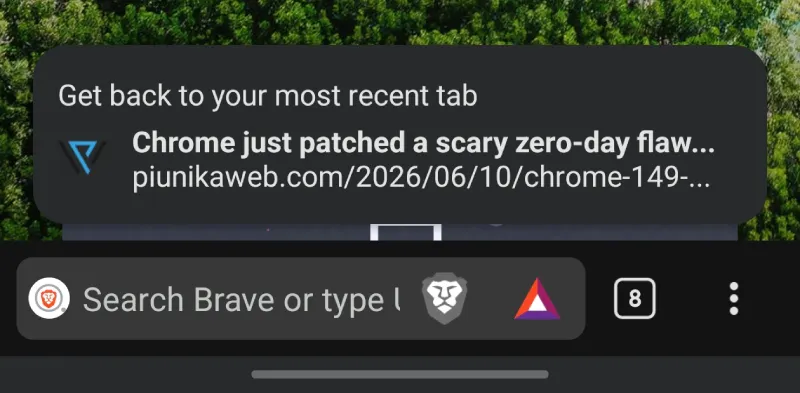
I noticed this on my own phone recently and went looking to see if others were running into it too. Turns out plenty of people are frustrated, based on what I found online.
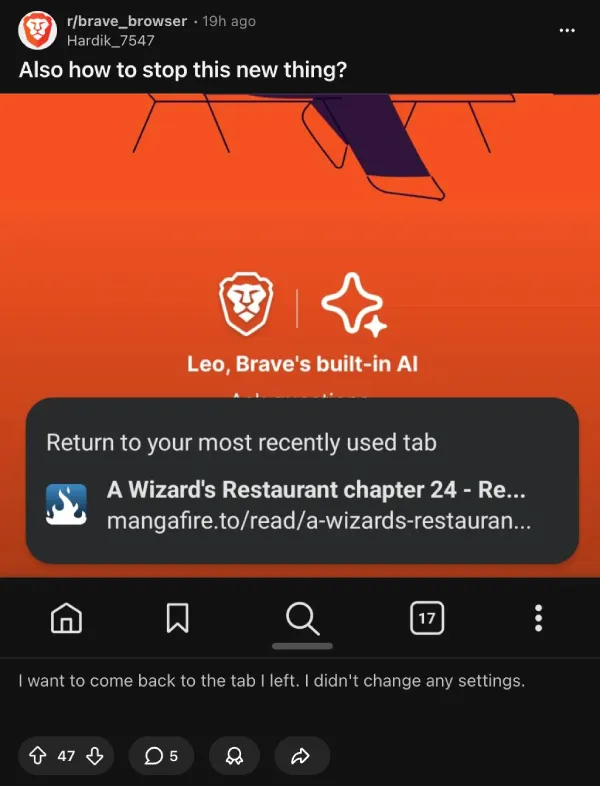
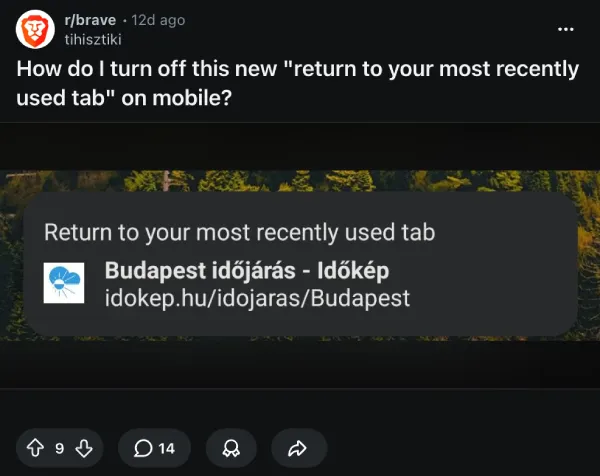
So I went digging through Brave’s settings to see if there was a toggle somewhere that could fix it.
There is.
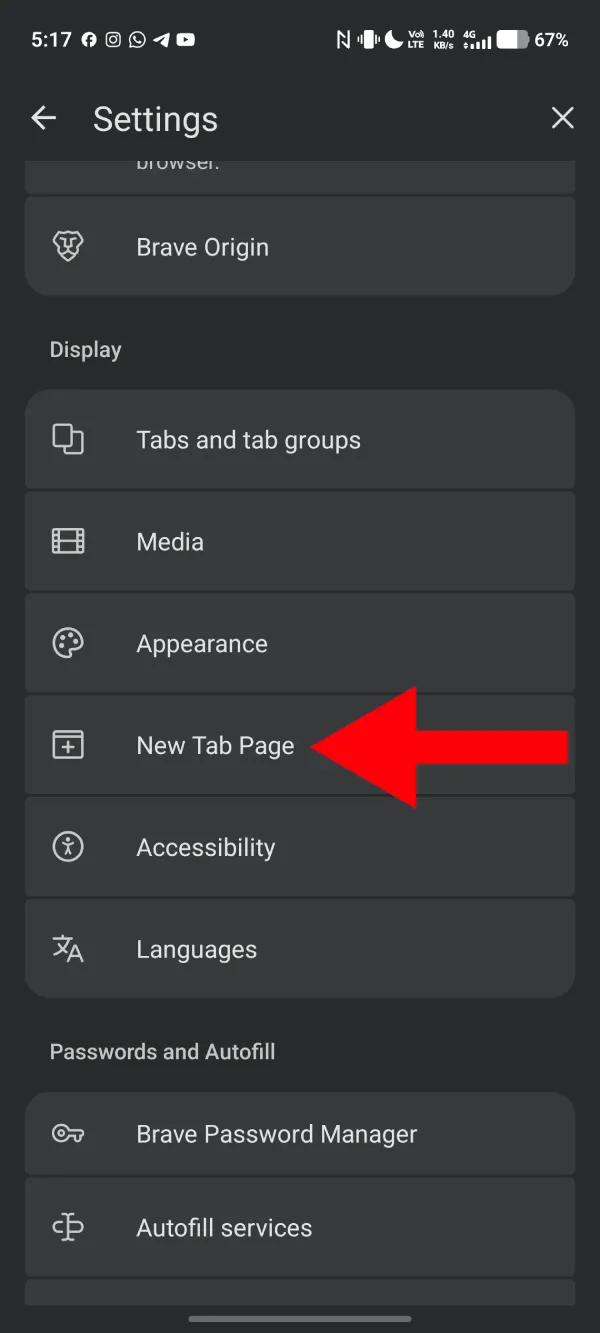
Go to Settings, then tap New Tab Page. Under the Opening Screen section, you’ll see three options. “New tab after 1 hour of inactivity” was selected on my device, which means Brave forces the New Tab page whenever you reopen the app after an hour of not using it. That’s what triggers the pop-up instead of just dropping you back where you left off. Switching it to “Last open tab” fixes it immediately.
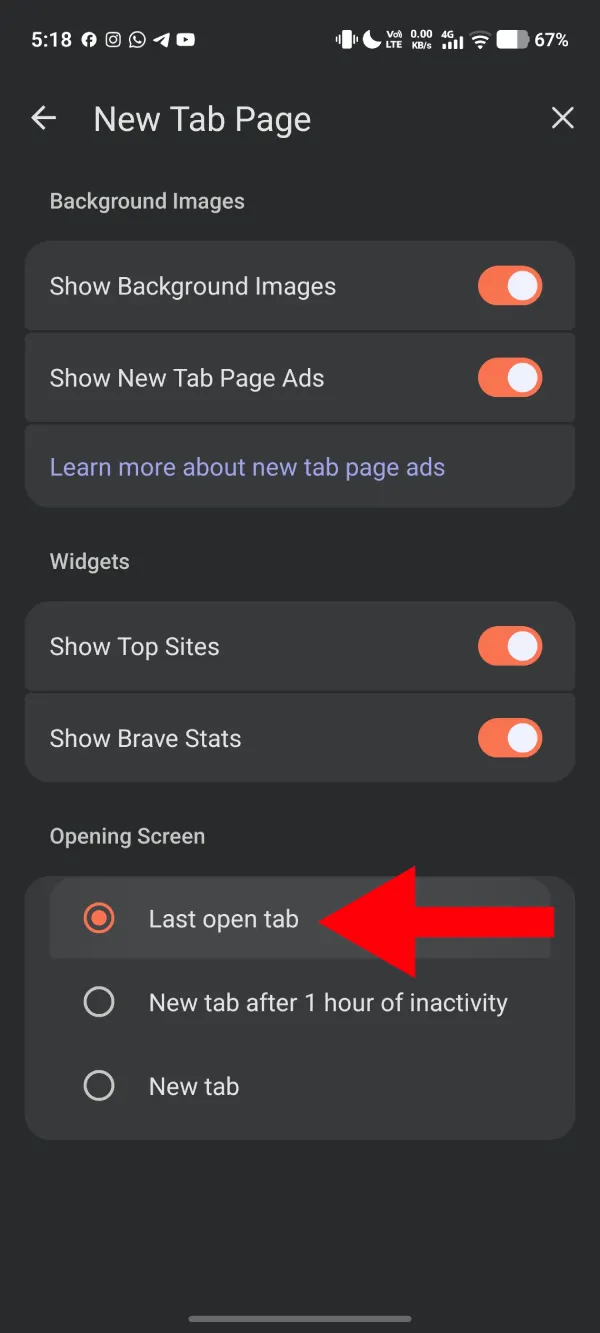
It looks like an update somewhere along the way flipped that setting on without asking. Whether that was intentional or just a side effect of something else changing, I can’t say. But it’s a reasonable guess that a lot of users didn’t knowingly turn it on themselves.
The fix has been confirmed by other users on Reddit too, so it’s not just something that worked on my end. If you’re seeing the same behavior, the steps are the same regardless of which Android device you’re on.
It’s worth mentioning that the New Tab page pop-up itself isn’t broken or buggy. It does get you back to your last tab. It’s just an unnecessary step if your preference is to pick up exactly where you left off without any prompts. The “Last open tab” setting restores the behavior most users would be accustomed to.

We stand out from the tech-media crowd because we break news stories; we mainly bring you stuff that you won’t find anywhere in the mainstream tech media. Our stories have been picked up by some of the world’s most popular websites and media outlets—more info is available here.
| # | Наименование новости | Тональность | Информативность | Дата публикации |
|---|---|---|---|---|
| 1 | Here’s how to disable the new bottom bar on Chrome for Android | 0 | 15.23 | 05-08-2026 |
| 2 | Chrome now lets you quickly remove the Tab Search icon without messing with flags | 0 | 15.97 | 03-06-2026 |
| 3 | How to fix Google Chrome New Tab Page’s huge gap between search bar & shortcuts | 0 | 17.84 | 19-06-2026 |
| 4 | Brave Private Web Browser, VPN 1.92.135 by Brave Software | 0 | 2 | 04-07-2026 |
| 5 | Brave Beta 1.93.110 by Brave Software | 0 | 1 | 02-07-2026 |
| 6 | Chrome for Android now lets you set a custom New Tab Page background | 0 | 8.74 | 30-07-2026 |
| 7 | Brave Private Web Browser, VPN 1.92.136 by Brave Software | 0 | 2 | 07-07-2026 |
| 8 | Benutzerdefinierte Symbolleisten-Tastenkombination erstellen | 0 | 9.25 | 12-03-2026 |
| 9 | Сохранение закладок на Android | 5 | 6 | 15-06-2016 |
| 10 | トラッキング用サイトデータを簡単に削除してプライバシーを強化するBraveのユニークなShredボタンがAndroidに登場 | 0 | 7 | 22-04-2026 |