Просмотр новости
Найдите то, что Вас интересует
 Спутники
 РН
РН SpaceX
 Роскосмос
 NASA
NASA
СпутникиРНSpaceXРоскосмосNASAFollowing Android’s backup policy change this week, Google is rolling out new settings to control whether SMS, MMS, and RCS messages are backed up. Additionally, Android is beginning to introduce local Documents backup.
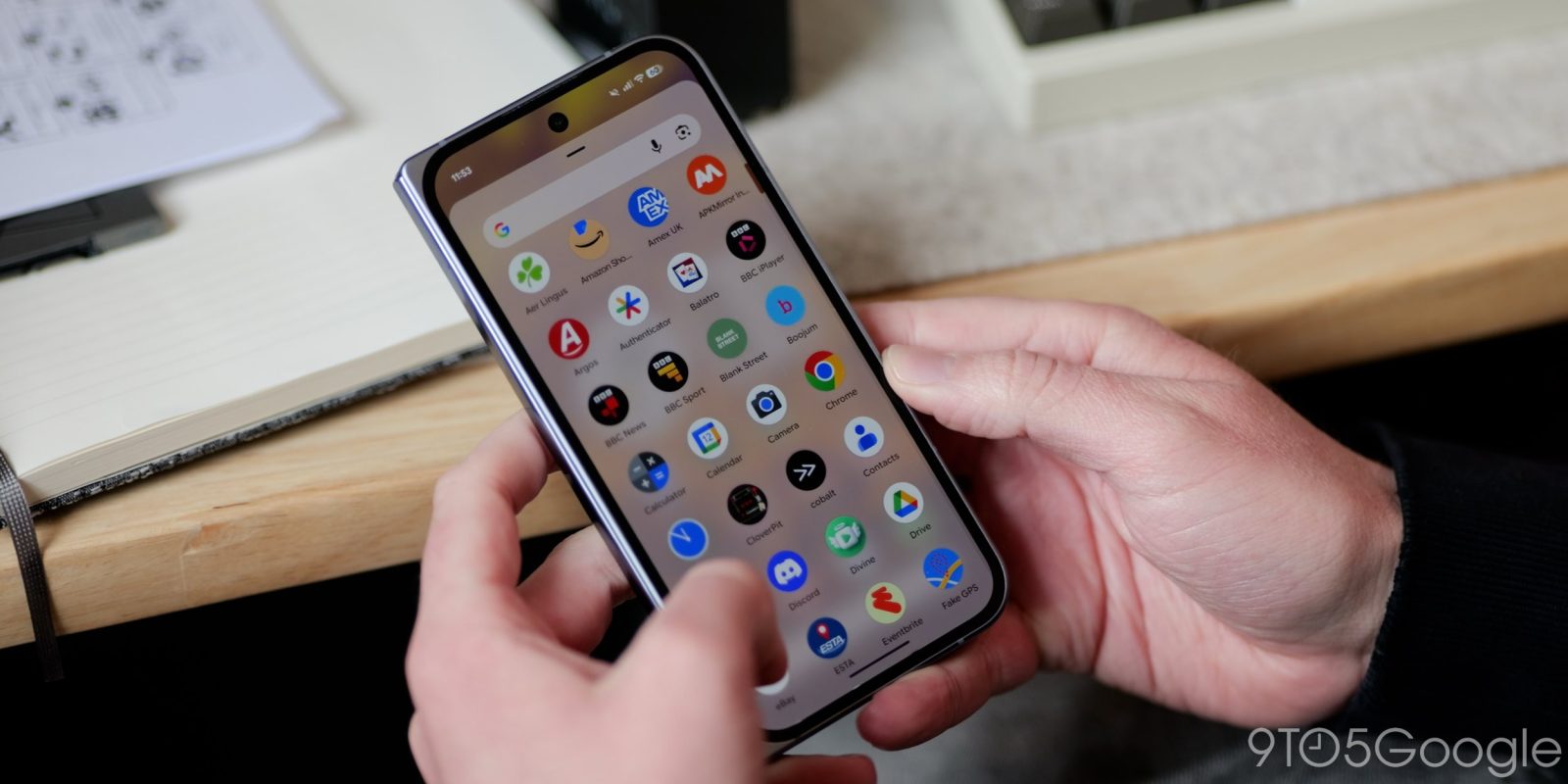
Following Android’s backup policy change this week, Google is rolling out new settings to control whether SMS, MMS, and RCS messages are backed up. Additionally, Android is beginning to introduce local Documents backup.
When you go to Settings > Accounts and backup > Google Backup > Other device data (on Pixel), there are new on/off toggles for SMS & MMS messages, Call history, and Device settings.
Previously, these three items were always backed up, but Google is now letting you control whether they are uploaded to the cloud. This joins per-app toggles that are also part of a recent launch.
As a note, Google confirmed to 9to5 this week that “SMS & MMS messages” includes RCS despite the name.
We’re seeing these updated settings begin to roll out with version 26.25 of Google Play services.
Google announced earlier this week that all Android data now counts towards Google Account storage. On average, this is expected to increase user backups by about 40 MB.
In other related developments, Google is beginning to test a new Documents backup option. As previewed in February, “local file backup” will “automatically save your downloaded documents to Google Drive, ensuring they are safe and accessible from any of your devices.”
Once live on your device, there will be a new “Documents” menu on the Backup page alongside Photos & videos and Other device data.
After enabling, a folder named after your device will appear in Google Drive, with this page providing a shortcut to it. Google explains that:
You can manually trigger a device backup to upload your latest Documents, but it otherwise follows the automated daily schedule.
We’re seeing this rolling out with the latest Google Play services beta.


FTC: We use income earning auto affiliate links. More.
| # | Наименование новости | Тональность | Информативность | Дата публикации |
|---|---|---|---|---|
| 1 | Android rolls out local ‘Documents’ backup that syncs to Google Drive | 0 | 11.48 | 30-07-2026 |
| 2 | All Android backup data now counts toward your Google Account storage [Update: Email] | 0 | 11.6 | 18-07-2026 |
| 3 | Google rolling out per-app controls for Android Backups | 0 | 5 | 29-06-2026 |
| 4 | Google Drive’s New Automatic Downloads Backup On Android Is Here! How To Enable | 0 | 10.16 | 31-07-2026 |
| 5 | All Android backup data now counts toward your Google Account storage, but it won’t take up much space | 0 | 5 | 06-07-2026 |
| 6 | Android To Introduce Automatic Downloads Folder Backup | 0 | 8.84 | 24-02-2026 |
| 7 | Google Drive rolling out powerful document scanner redesign for higher-end Android devices | 3 | 7 | 29-05-2026 |
| 8 | What new Google Messages features are rolling out [September 2026] | 0 | 20.18 | 07-09-2026 |
| 9 | Google Messages rolls out ‘Tap to draft’ to stop accidental Smart Replies | 0 | 5 | 06-06-2026 |
| 10 | Google Drive for Desktop Ends Google Photos Backup Sync on August 10 | 0 | 6.66 | 07-08-2026 |