Просмотр новости
Найдите то, что Вас интересует
 Спутники
 РН
РН SpaceX
 Роскосмос
 NASA
NASA
СпутникиРНSpaceXРоскосмосNASAA lot of improvements to the foldable experience come in One UI 9, but the latest one that lets you adjust the Galaxy Z Fold 8 display’s zoom level on an app-by-app basis is easily one of the best.
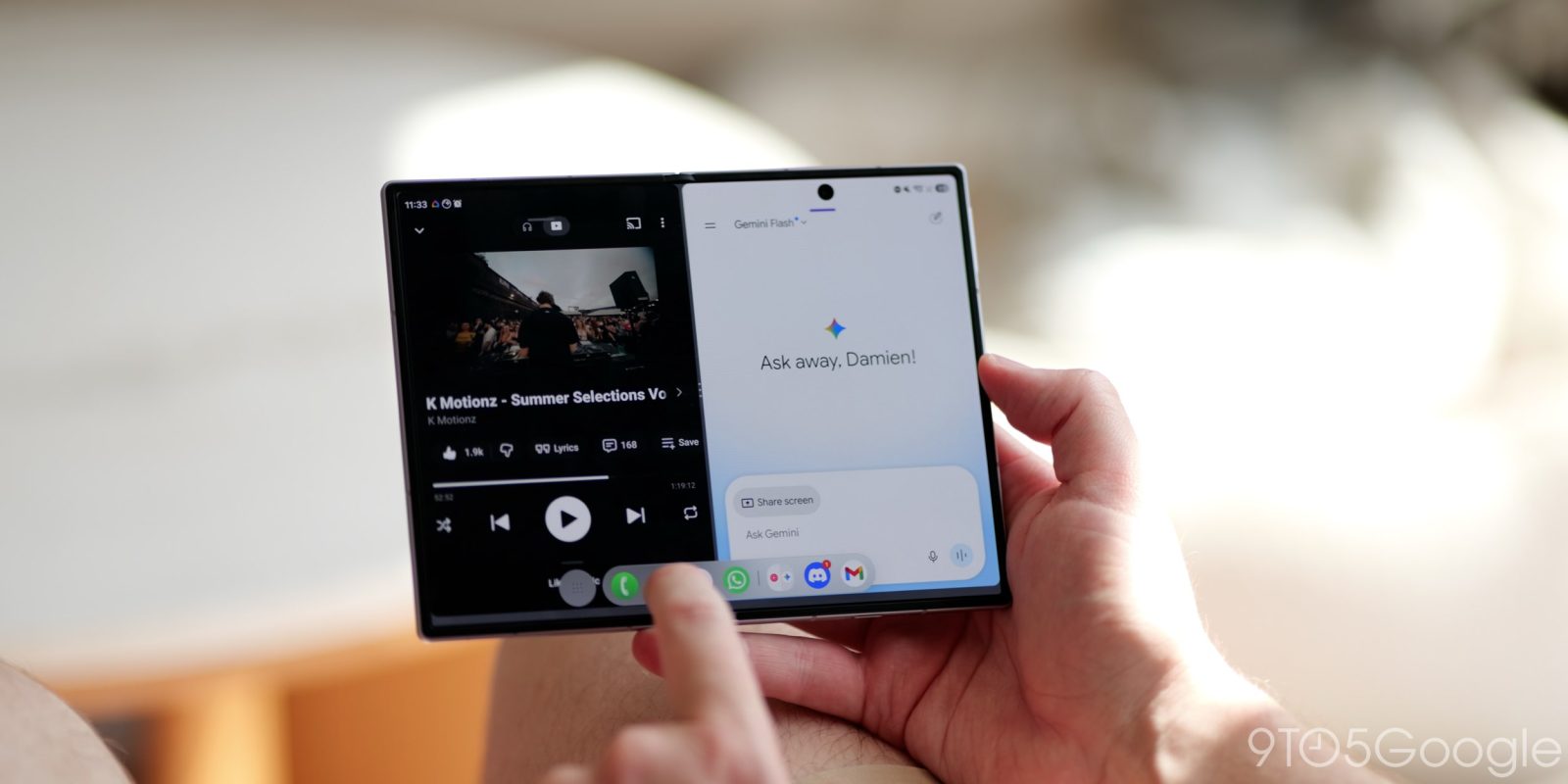
A lot of improvements to the foldable experience come in One UI 9, but the latest one that lets you adjust the Galaxy Z Fold 8 display’s zoom level on an app-by-app basis is easily one of the best.
One UI 9 brings a lot of improvements for large devices, like the Galaxy Z Fold 8. Multitasking has improved tremendously, for one. You can fit up to four apps on the inner Galaxy Z Fold 8 display if you’re ok with at least one floating window.
There are granular changes too, like an adjustment that isolates screen orientation preferences to one display on the Galaxy Z Fold 8, allowing you to lock screen rotation on the outer display while leaving it on for the inner panel.
But Samsung isn’t done, just yet.
In a seemingly unreleased feature in One UI 9, leaker IceUniverse showed off a new quality-of-life setting that changes an app’s zoom level on the Galaxy Z Fold 8. The feature is buried in Samsung Labs, which means it’s essentially a beta function of the phone. Under “app screen zoom,” the tool lets you adjust content sizing and zoom per app.
— Ice Universe (@UniverseIce) July 28, 2026Galaxy Z Fold8 has a very useful feature: app-level display customization.
For example, YouTube normally shows only two rows of video recommendations on the screen. After reducing the display size, it can show three rows of videos at the same time, allowing me to browse more… pic.twitter.com/0iXHEggNo9
The feature doesn’t appear on our Galaxy Z Fold 8 or Fold 8 Ultra, so it’s possible the leaked feature will come in a separate update. Even then, it will still need to be enabled in Samsung’s lab settings.
It seems One UI 9 will only offer five levels. Each app is set to “small” by default, but I see a potential issue. The feature is useful for fitting more content into the Galaxy Z Fold 8’s larger screen, but there’s only one level smaller than default – “smallest.” I could see an issue where the smallest setting doesn’t cover it, but that’s just a hunch.
Overall, this is a big win for Galaxy Z Fold 8 users, and likely for previous generations, too. App content can be tricky on foldables like the Galaxy Z Fold 8 or Fold 8 Ultra, but aspect ratio adjustment and now app content zoom make the experience a bit less turbulent.
Again, it’s unknown when the feature will roll out to users, as the Galaxy Z Fold 8 is still in its pre-order phase with orders expected to ship in August.
More on Galaxy:


FTC: We use income earning auto affiliate links. More.
| # | Наименование новости | Тональность | Информативность | Дата публикации |
|---|---|---|---|---|
| 1 | The Galaxy Z Fold 8’s display crease is a huge improvement [Gallery] | 0 | 13 | 22-07-2026 |
| 2 | The Galaxy Z Fold 8 display upgrade almost no one is talking about makes it more than just an ordinary foldable | 0 | 10.71 | 24-07-2026 |
| 3 | Review: The Galaxy Z Fold 8 Ultra ticks every box, but it’s the boring option now | 0 | 8.96 | 31-07-2026 |
| 4 | This is what the Galaxy Z Fold 8 tells me about the foldable iPhone | 0 | 8.4 | 25-07-2026 |
| 5 | Update to Galaxy S26 Ultra Privacy Display lets you hide picture-in-picture videos | 0 | 11.46 | 21-07-2026 |
| 6 | Samsung Galaxy Z Fold8: maketa odhalila duální foťák a čtvercový displej | 0 | 5 | 02-07-2026 |
| 7 | The Galaxy Z Fold 8 series is it: the best foldables money can buy, and my next obsession | 0 | 11.22 | 24-07-2026 |
| 8 | Видео с Galaxy Z Fold 8 Ultra демонстрирует почти незаметную складку на дисплее Samsung | 5 | 7 | 12-07-2026 |
| 9 | Re: Let's Talk Unpacked | 0 | 5.83 | 01-08-2026 |
| 10 | Z Fold 8 (Google Search Bar) | 0 | 6.41 | 31-07-2026 |