Просмотр новости
Найдите то, что Вас интересует
 Спутники
 РН
РН SpaceX
 Роскосмос
 NASA
NASA
СпутникиРНSpaceXРоскосмосNASAIntroduction Our review is once again looking at a refreshed release from the MSI MAG tier of motherboards. The MSI MAG B850 TOMAHAWK MAX WiFi II is the most feature-rich B850 chipset motherboard in the MAG tier. If you aren’t familiar with how MSI stacks their motherboard lineup, MAG (MSI Arsenal Gaming) is the entry-level […]
The post MSI MAG B850 TOMAHAWK MAX WiFi II Motherboard Review appeared first on The FPS Review.
The FPS Review may receive a commission if you purchase something after clicking a link in this article.
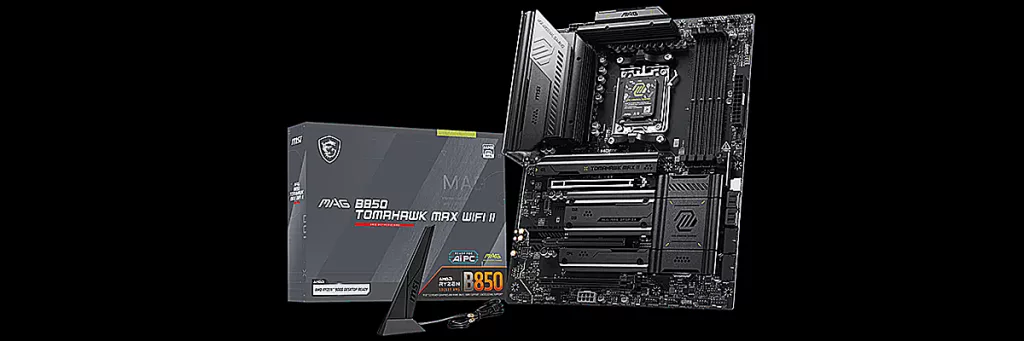 Introduction
Our review is once again looking at a refreshed release from the MSI MAG tier of motherboards. The MSI MAG B850 TOMAHAWK MAX WiFi II is the most feature-rich B850 chipset motherboard in the MAG tier. If you aren’t familiar with how MSI stacks their motherboard lineup, MAG (MSI Arsenal Gaming) is the entry-level enthusiast tier. The entry level, however, is not shy on features or performance, and the TOMAHAWK branding is generally quite well laid out as far as expansion and connectivity, while being offered at an affordable price point.
We have recently reviewed two other “MAX” boards from MSI. The MAX moniker indicates that the motherboard in question offers up the latest improvements and additions in the line-up. If you are looking to upgrade within the socket AM5 AMD motherboard tiers, the MAX will have some features that “plain” or non-MAX prior releases won’t.
During the review, we will point out the features that make this board a “MAX”. So if there is a MAX II, there must be a MAX, right? Well, right you are. We, in fact, reviewed the MSI B850 TOMAHAWK MAX WiFi when it was first released, January 20, 2025. If you aren’t up to speed on the AMD chipset hierarchy, here is a nice chart. Pricing should be under $250; the motherboard has a three-year warranty. So off we go to look at what “MAX II” has to offer.
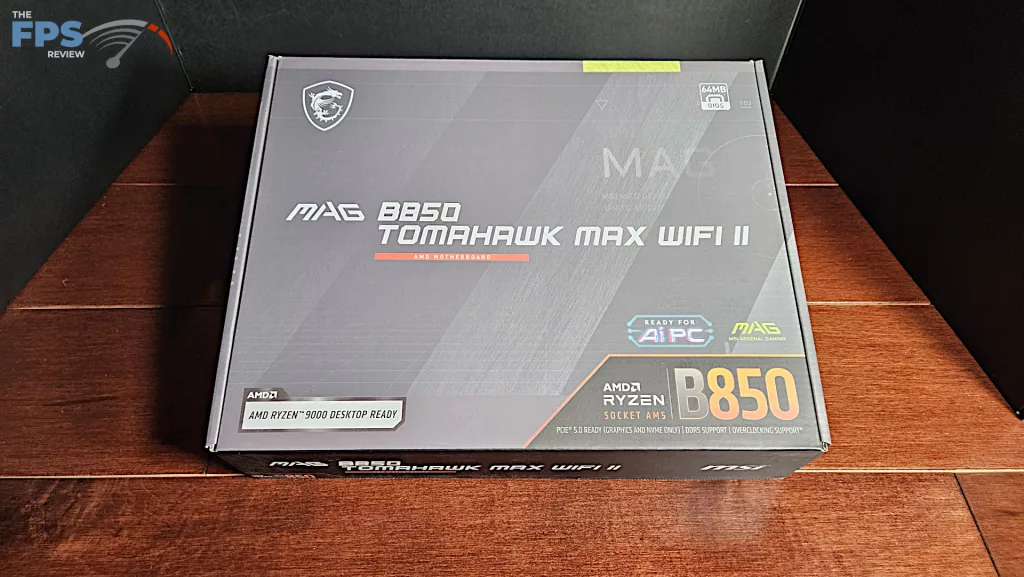
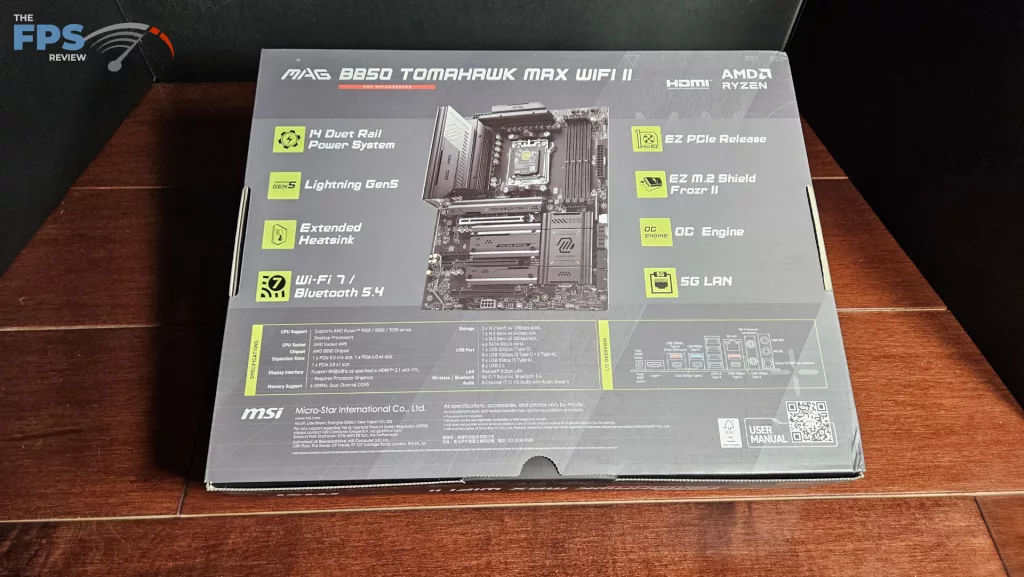
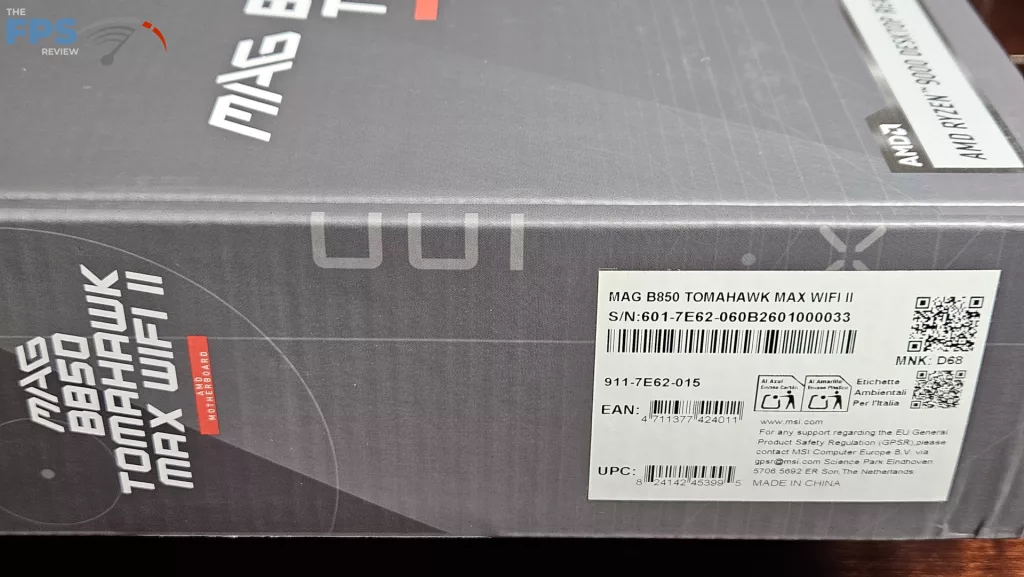
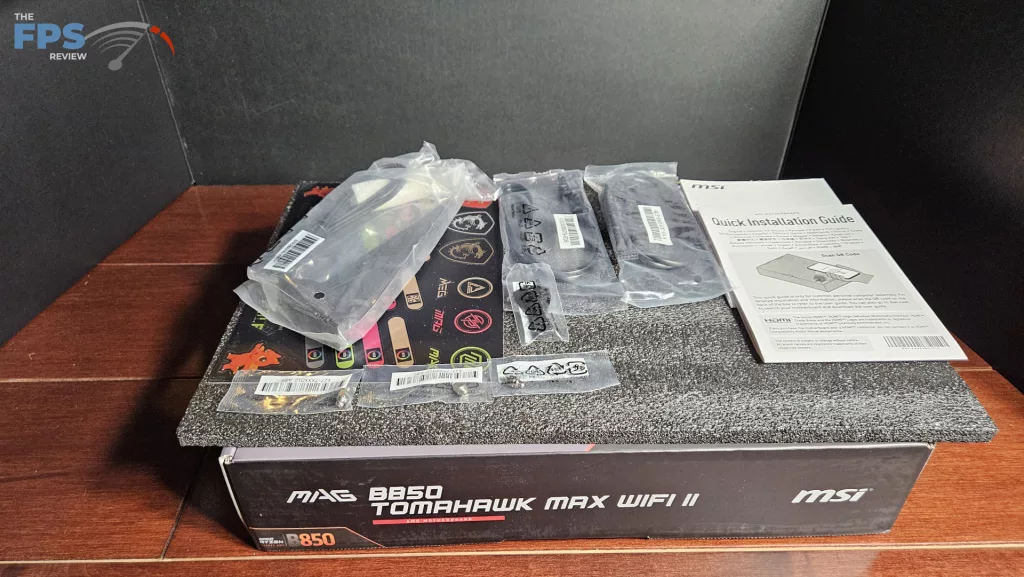
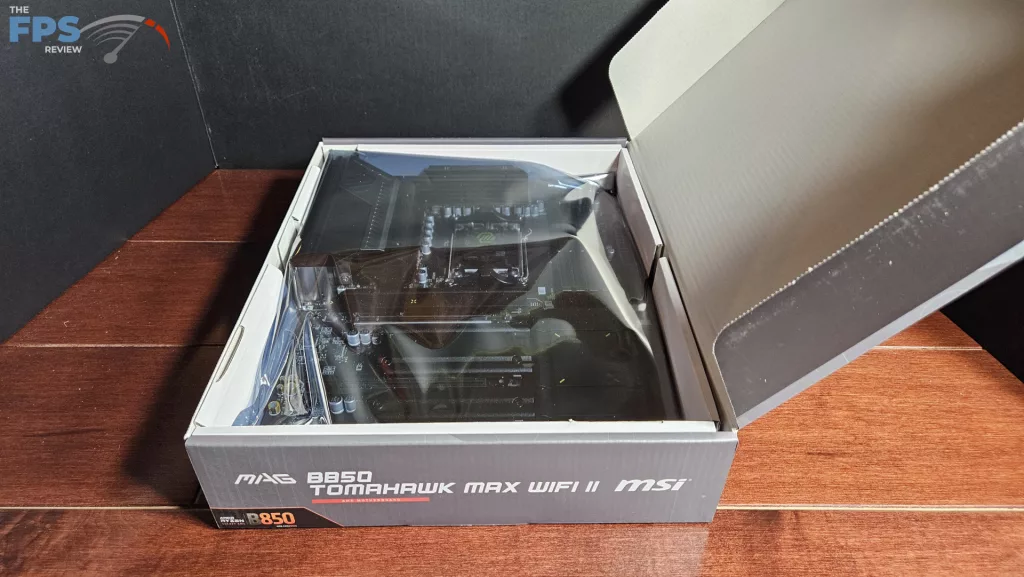
The MAG B850 TOMAHAWK MAX WiFi II was sent to us directly from MSI. We received a full retail package in the standard motherboard box. Inside is the board in a thick anti-static bag. The WiFi antenna is separately boxed on top of the board, and the accessories there are were placed under the motherboard. The accessories include: one SATA right-angle cable, one RGB/fan EZ-CONN cable, three EZ Clip II screws, one EZ Clip tool, WiFi antenna, a sheet of stickers and one Quick Start Guide.
| # | Наименование новости | Тональность | Информативность | Дата публикации |
|---|---|---|---|---|
| 1 | MSI MAG B850 TOMAHAWK WIFI Motherboard Review | 0 | 2 | 14-04-2026 |
| 2 | MSI MAG Z890 TOMAHAWK WiFi II Motherboard Review | 0 | 5 | 29-06-2026 |
| 3 | MSI MAG B850M MORTAR MAX WiFi Motherboard Review | 0 | 5 | 25-05-2026 |
| 4 | MSI MPG X870E CARBON MAX WiFi Motherboard Review | 0 | 5 | 06-04-2026 |
| 5 | MSI MEG X870E ACE MAX Motherboard Review | 0 | 1 | 30-03-2026 |
| 6 | MSI Z890 GAMING PLUS WiFi6E Motherboard Review | 0 | 1 | 22-06-2026 |
| 7 | The MSI MPG B850I EDGE TI WIFI Is An ITX Powerhouse | 0 | 5.54 | 24-06-2025 |
| 8 | MSI MAG X870E GAMING PLUS MAX WIFI im Test | 0 | 13.12 | 02-06-2026 |
| 9 | MSI Brings Record-Breaking Motherboards, Triple-Mode QD-OLED Monitors, and 1600W Titanium PSUs to Computex 2026 | 5 | 7 | 04-06-2026 |
| 10 | MSI Announces MPG 322UR and MAG 321UP QD-OLED X24 31.5-inch Gaming Monitors | 0 | 5 | 20-04-2026 |