Просмотр новости
Найдите то, что Вас интересует
 Спутники
 РН
РН SpaceX
 Роскосмос
 NASA
NASA
СпутникиРНSpaceXРоскосмосNASAGoogle today announced its new EmbeddingGemma 2 model that can be used to “organize, search, and connect information directly on consumer hardware.” To show off its potential, Google created an AI Edge Foresight Mac app for “intelligent notetaking.”
more…
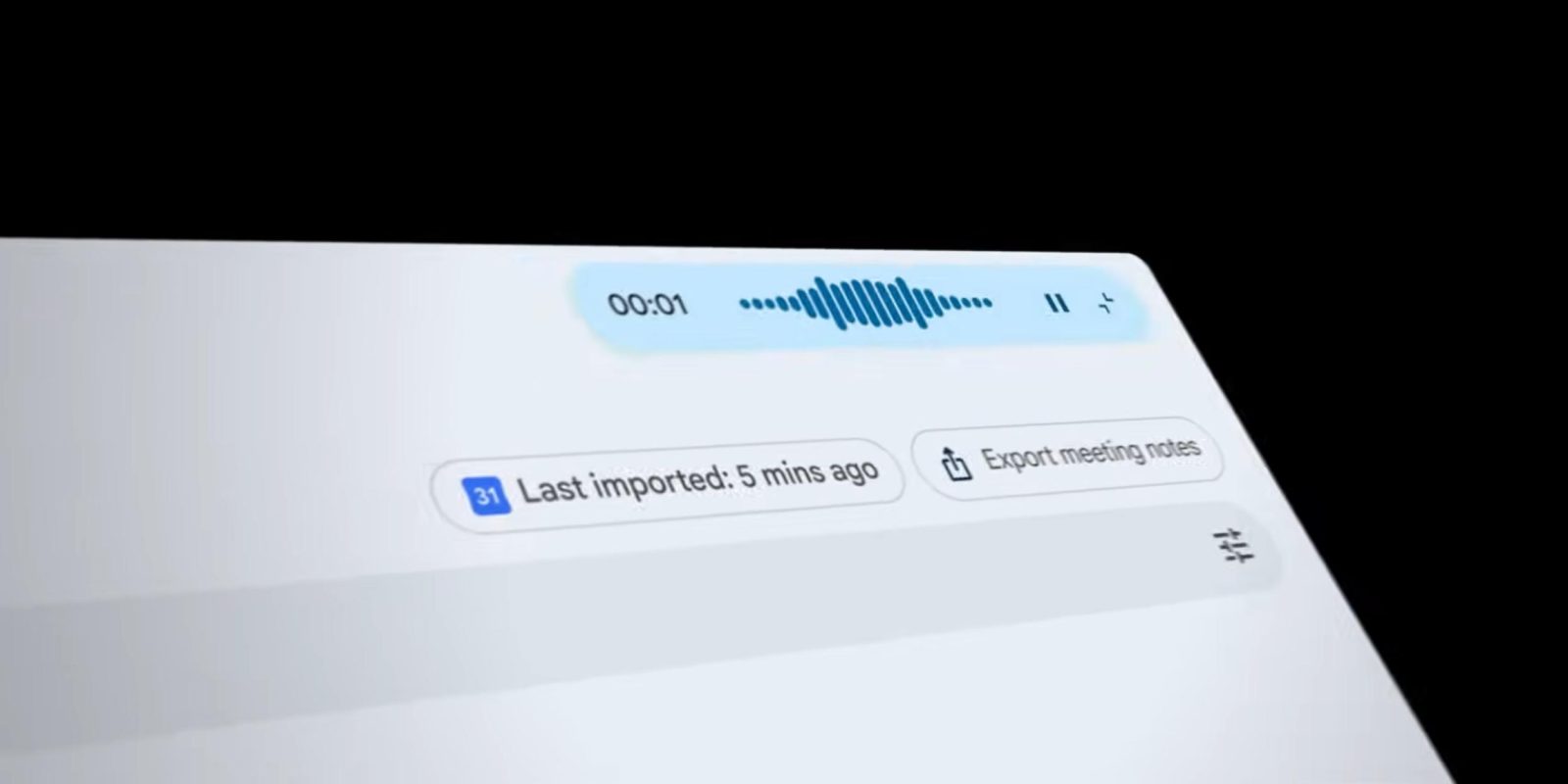
Google today announced its new EmbeddingGemma 2 model that can be used to “organize, search, and connect information directly on consumer hardware.” To show off its potential, Google created an AI Edge Foresight Mac app for “intelligent notetaking.”
EmbeddingGemma 2 “can help find a specific video clip from a voice memo, or search through hours of audio recordings based on a text query, all processed by a single, natively multimodal model.”
The 740 million parameter model is built on the Gemma 4 architecture and available with an Apache 2.0 license. This is meant to run locally “within tight resource constraints”:
With quantization, on a Google Pixel 11 Pro, EmbeddingGemma 2 requires as little as ~191MB active RAM for text-only weights and ~567MB for the full multimodal model.
To showcase, there are demos in Google AI Edge Gallery on Android and iOS. The bigger showcase is a new Mac app called Google AI Edge Foresight.
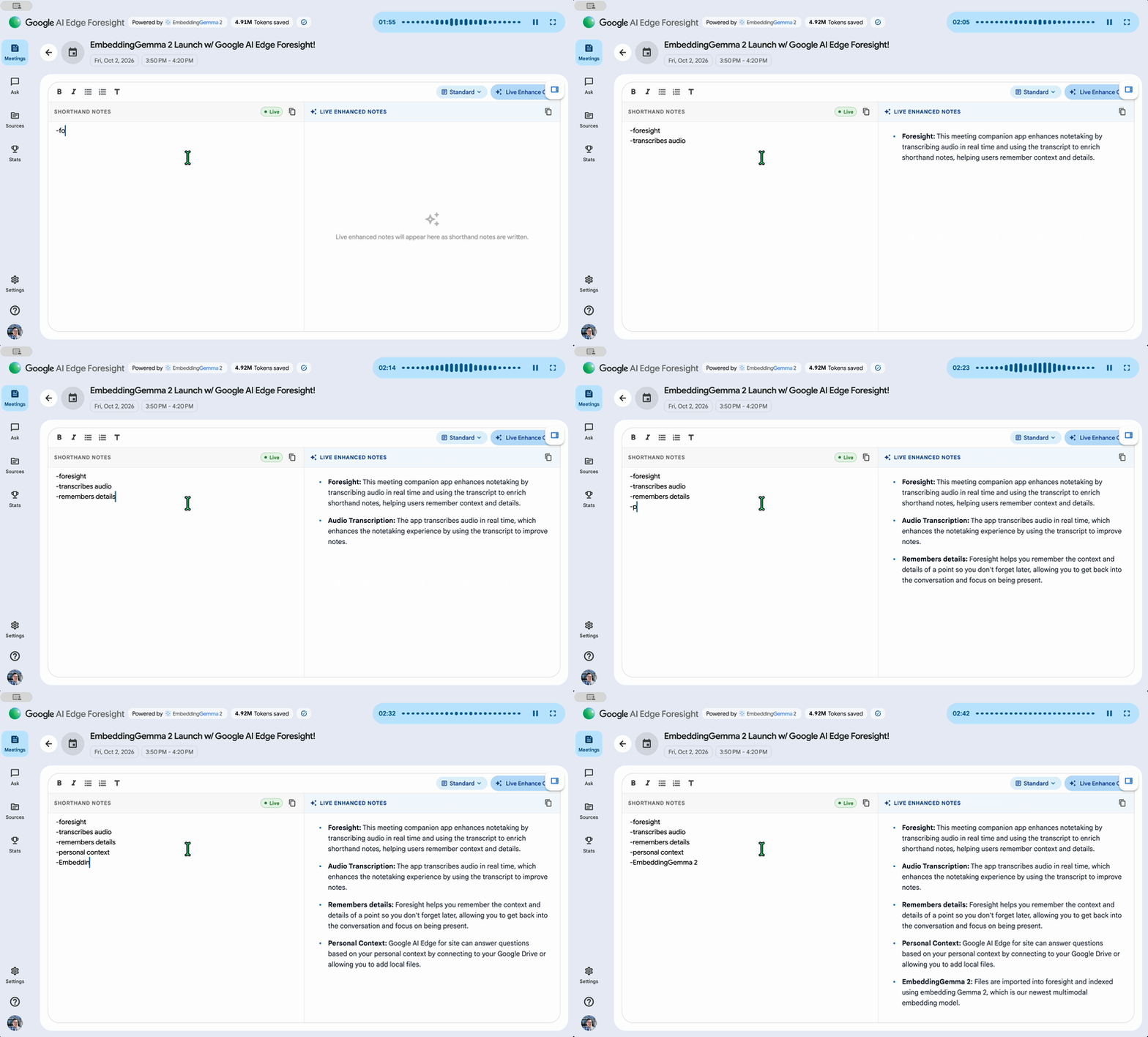
During video or in-person meetings, this notetaking app listens in the background so that you can just “scribble shorthand bullets for things you want to remember.”
The app, leveraging EmbeddingGemma 2, “enriches [that shorthand] into polished notes using the meeting transcript instantly.” The transcript and audio are processed entirely on your device rather than the cloud.
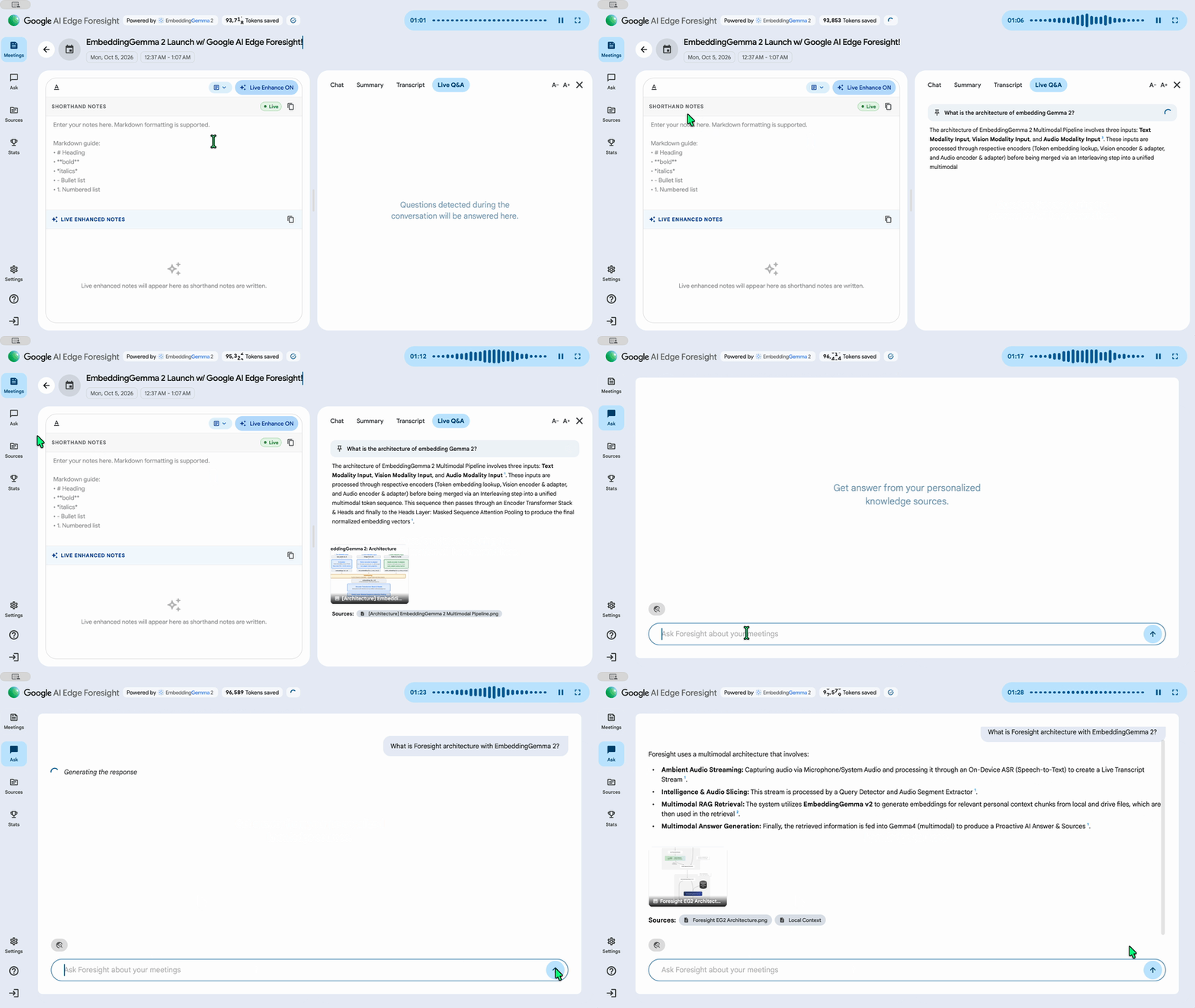
Another capability lets you “point Google AI Edge Foresight to your project folders, reference materials, diagrams, and calendar.” Supporting local files and Google Drive, this in turn lets you ask the app questions and quickly get back information.
It automatically understands your work without needing to manually organize your files, to ensure critical information is ready whenever you need it.
The chat feature offers “conversational retrieval and summary with your personal knowledge.” There’s also a Live Assistance capability that will “listen and automatically answer questions.”
You can download Google AI Edge Foresight here. This joins Google’s two other Mac apps in the family: AI Edge Gallery and AI Edge Eloquent (offline transcription).


FTC: We use income earning auto affiliate links. More.
| # | Наименование новости | Тональность | Информативность | Дата публикации |
|---|---|---|---|---|
| 1 | Gemini Live adds Deep Research as Notebooks come to AI Mode | 0 | 28.46 | 19-08-2026 |
| 2 | Gemini for macOS rolling out voice control and Gboard Rambler-level transcription | 0 | 18.52 | 29-07-2026 |
| 3 | Gemini for macOS gets Neural Expressive, AI Mode on Android redesigned | 0 | 12.29 | 21-07-2026 |
| 4 | Google Meet’s Gemini-powered ‘Take notes for me’ comes to Google AI Pro, Ultra | 0 | 5 | 29-06-2026 |
| 5 | The better way to use Gemini on the Mac | 0 | 10 | 05-06-2026 |
| 6 | Google AI Mode getting deep Chrome integration on desktop, mobile | 0 | 12.39 | 16-04-2026 |
| 7 | Google brings Gemini for desktop app to Windows | 0 | 20.04 | 10-09-2026 |
| 8 | Google launches Gemini 3.5 Transcribe, which powers Gboard Rambler & is coming to Chrome | 0 | 31.6 | 26-08-2026 |
| 9 | Gemini app for macOS adding send and read iMessage integration | 0 | 18.26 | 18-09-2026 |
| 10 | Amazon's Bee Frontier wearable and Eclipse magnet record your daily chatter | 0 | 17.47 | 15-10-2026 |