Просмотр новости
Найдите то, что Вас интересует
 Спутники
 РН
РН SpaceX
 Роскосмос
 NASA
NASA
СпутникиРНSpaceXРоскосмосNASAThe top kubectl alternatives include Portainer, Lens, k9s, Rancher, and Headlamp, each offering a different approach to Kubernetes management.
kubectl is powerful, but it asks a lot from you. Every check, every fix, and every switch between clusters becomes another command to type and remember. Seeing what’s happening across several clusters means running those commands one by one and piecing the output together yourself. As your team and cluster count grow, this slows people down and makes Kubernetes hard to hand to anyone who isn’t already an expert.
With Kubernetes now running in production for 82% of container users, more teams are encountering this command-line and YAML overhead and looking for a friendlier way to operate. The strongest kubectl alternatives solve this by adding a visual layer over your clusters, eliminating YAML, and giving you a single place to deploy, manage, and govern everything.
This guide covers the top kubectl alternatives for Kubernetes management, comparing desktop apps, terminal tools, and full management platforms. We’ll break down their key features, where they shine, and where they fall short, so you can match the right tool to your team’s skills and the way you run your clusters.
Why It’s Time to Look for Alternatives to kubectlkubectl is a brilliant tool, but as your clusters multiply and your team grows, leaning on it for every task can create friction. Here are two main reasons why teams usually start looking for kubectl alternatives:
1. kubectl Turns Routine Work Into Specialist WorkEvery change in kubectl goes through a command or a block of YAML you write by hand. Helm and Kustomize can template that YAML, but someone still has to write and maintain it, and you’re driving the whole thing from the command line.
This works for an expert, but it’s a steep climb for everyone else, and a single typo in a manifest can take down a deployment.
However you look at it, complexity is still one of the biggest barriers to running Kubernetes well. In CNCF’s 2025 survey, 34% of organizations named it a top challenge when deploying containers in production. So, for teams without a dedicated Kubernetes specialist, the Kubernetes complexity of memorizing verbs, flags, and manifest fields makes everyday work harder than it needs to be.
2. kubectl Shows You One Cluster at a TimeMore than half of organizations now run across multiple clouds, so most teams are juggling several clusters at once. kubectl makes that harder than it should be because it operates on a single cluster context at a time.
To check another, you switch context, run your commands again, and hold the results in your head. There’s no single screen showing health, workloads, and access across everything you run. A tool built for multi-cluster management gives you that consolidated view, so you can spot problems and act on the right cluster without losing your place.
If you’re tired of switching contexts across clusters and writing YAML for every change, Portainer gives your team a single visual interface to deploy, manage, and govern Kubernetes, Docker, and Swarm, with built-in role-based access control. It’s built so your whole team can deploy and operate Kubernetes confidently. See Portainer in action.
Switching away from kubectl changes how your team operates day to day. Before you commit to a tool, weigh a few things that decide whether the move reduces your workload or just moves it somewhere else.
1. Who Can Touch Your ClustersPutting a UI in front of Kubernetes adds a new way into your clusters, so access control should be your first question. A good alternative should:
Ask whether the tool has its own role-based access control and audit logging, or whether it simply loads your kubeconfig and trusts whoever holds it. The second option is quick to set up but hard to govern once more than a couple of people rely on it.
2. Whether It Covers All Your EnvironmentsCheck that the tool sees everything you run. Many viewers connect to a single cluster at a time, which is fine on a laptop but limiting once you operate several clusters across clouds, on-prem, and the edge.
For example, if you also run Docker or Swarm next to Kubernetes, a tool that only speaks Kubernetes will have you switching between consoles again. Map your real environment first, then confirm the alternative covers all of it from one place.
If you run mixed environments, Portainer manages Kubernetes, Docker, and Swarm together, across cloud, on-prem, and edge, from a single interface.
3. How Well It Fits Your Existing WorkflowThe strongest alternatives won’t compel you to abandon everything you already use. They’ll sit alongside kubectl, Helm, and your GitOps pipeline rather than forcing a complete rewrite. Before you switch, check the tool still covers the everyday tasks you reach for on the command line:
Also, confirm it won’t lock you into one vendor or cloud, so you can change direction later without another migration.
4. Where the Tool Runs and Stores Your DataDecide whether you want a SaaS service or something you host yourself.
A hosted control plane, for example, is convenient, but it means your cluster access and metadata pass through a vendor’s platform, which can be a problem in regulated, air-gapped, or high-uptime environments. Before you choose, confirm whether the alternative can:
Teams in finance, government, and manufacturing often can’t compromise on these. If self-hosting matters, Portainer isn’t a SaaS product. You install it inside your own infrastructure, including fully air-gapped sites, so your clusters and data never leave your control.
Best kubectl Alternatives at a Glance| Tool | Type | Best for | Stand-out feature | Starting price |
|---|---|---|---|---|
| Portainer | Self-hosted management platform | Enterprise and platform teams managing multiple environments | One UI for Kubernetes, Docker, and Swarm with built-in RBAC | Enterprise pricing (speak to sales) |
| Lens | Desktop IDE | Individual developers working hands-on with clusters | Desktop IDE with real-time insights and Lens Prism AI | From $25/user/month (billed annually) |
| k9s | Terminal UI | Platform engineers and SREs who live in the terminal | Fast, keyboard-driven real-time terminal UI | Free (open source) |
| Headlamp | Web UI (desktop or in-cluster) | Platform teams wanting an extensible open-source web UI | Plugin-based, extensible web UI (Kubernetes SIG UI project) | Free (open source) |
| Rancher | Management platform | Large teams running many Kubernetes clusters | Centralized multi-cluster provisioning and lifecycle management | Free (community); Prime quote-based |
Portainer is a self-hosted Kubernetes management platform that gives your whole team a visual way to deploy, manage, and govern containers without living in the command line. Where most kubectl alternatives show you one cluster at a time, Portainer sits in front of all of them, and it manages Kubernetes, Docker, and Swarm from the same interface.
Key FeaturesPortainer covers the everyday Kubernetes work you’d normally do through kubectl, then adds the cluster-wide visibility and governance the command line can’t:
1. Deploy and Manage Workloads Without the Command LinePortainer gives you several ways to deploy an application, so people can work at the level they’re comfortable with:
Before it deploys, Portainer also checks that the resources you asked for are actually available, so you don’t end up with a workload that’s accepted but never schedules, which is what plain kubectl would let happen.
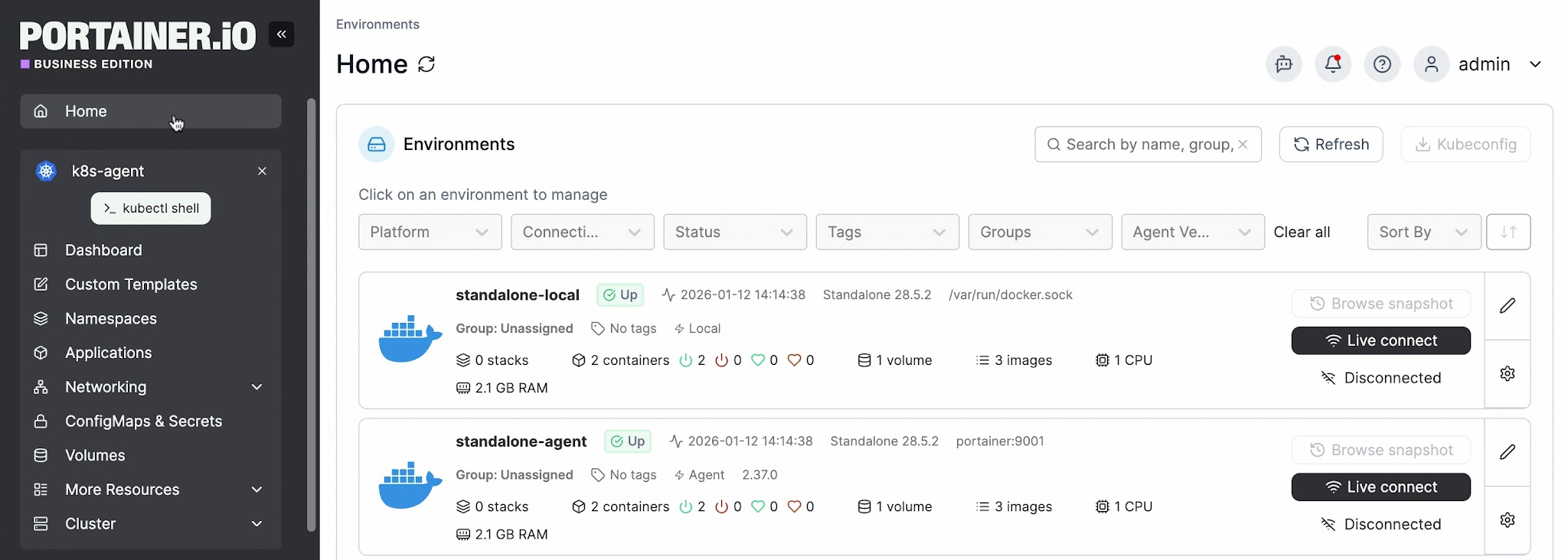
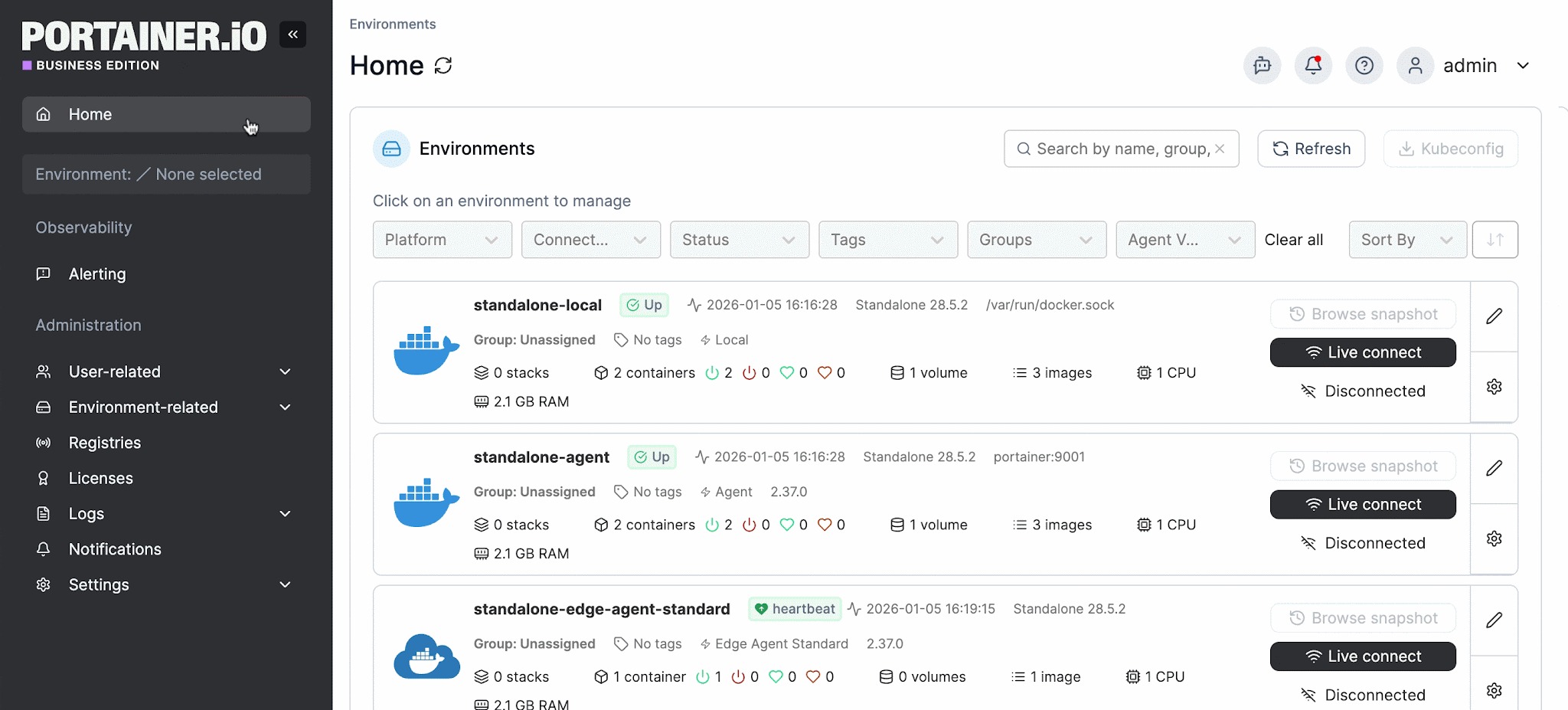
From one screen, Portainer lists every environment you’ve connected to and lets you act on the right one without juggling contexts:
This is the kind of multi-cluster management that raw kubectl can’t offer, since it talks to one cluster context at a time.
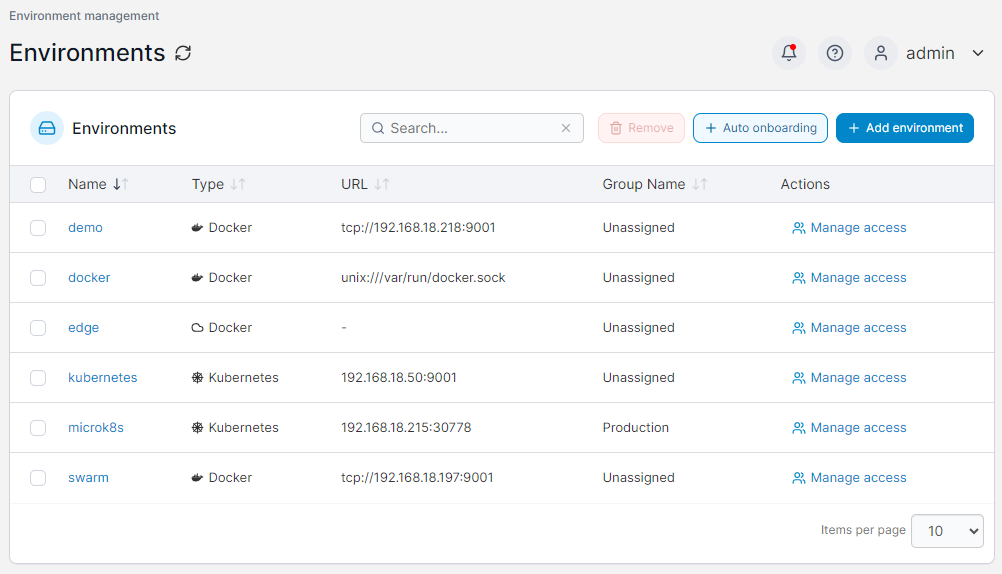
With kubectl, anyone holding a kubeconfig effectively has the keys to the cluster. Portainer replaces that with proper Kubernetes security controls.
It sits between your users and your clusters, so people work through Portainer rather than connecting to the cluster directly. You assign predefined roles scoped either cluster-wide or to a single namespace, and the most restrictive role always wins unless you override it, which keeps access secure by default.
Authentication plugs into LDAP, Microsoft Active Directory, and OAuth, and Portainer can map directory groups to teams automatically, so access stays in line with your org structure without managing users one by one. Every login and management action is recorded, and those activity logs can be streamed to a SIEM like Splunk, Microsoft Sentinel, or any syslog target, giving compliance teams a clear record of who changed what and when.
| Plan | Cost |
|---|---|
| Enterprise IT | Enterprise pricing: Speak to sales |
| Edge / IIoT | Enterprise pricing: Speak to sales |
For complete plan details and volume-based options, visit Portainer’s Enterprise Pricing page.
Where Portainer Shines“I use Portainer for hosting over 20 containerized applications and it provides a simple yet intuitive user interface for managing these applications easily. I like how easy it lets me manage every aspect of my containerized applications, including managing their lifecycle, their images, networks, and storage,” says a user in consulting.
“I use Portainer for managing my server and Docker installations, and I really appreciate being able to handle things visually with an intuitive GUI. It's quick to deploy and everything is clearly organized, which is important to me. The GUI is not only visually appealing but also functional, allowing me to edit code and organize deployments or stacks without having to use the CLI. I find it makes managing Kubernetes and Docker clusters really easy,” shares Amer H.
Who Portainer is Best For{{article-cta}}
2. Lens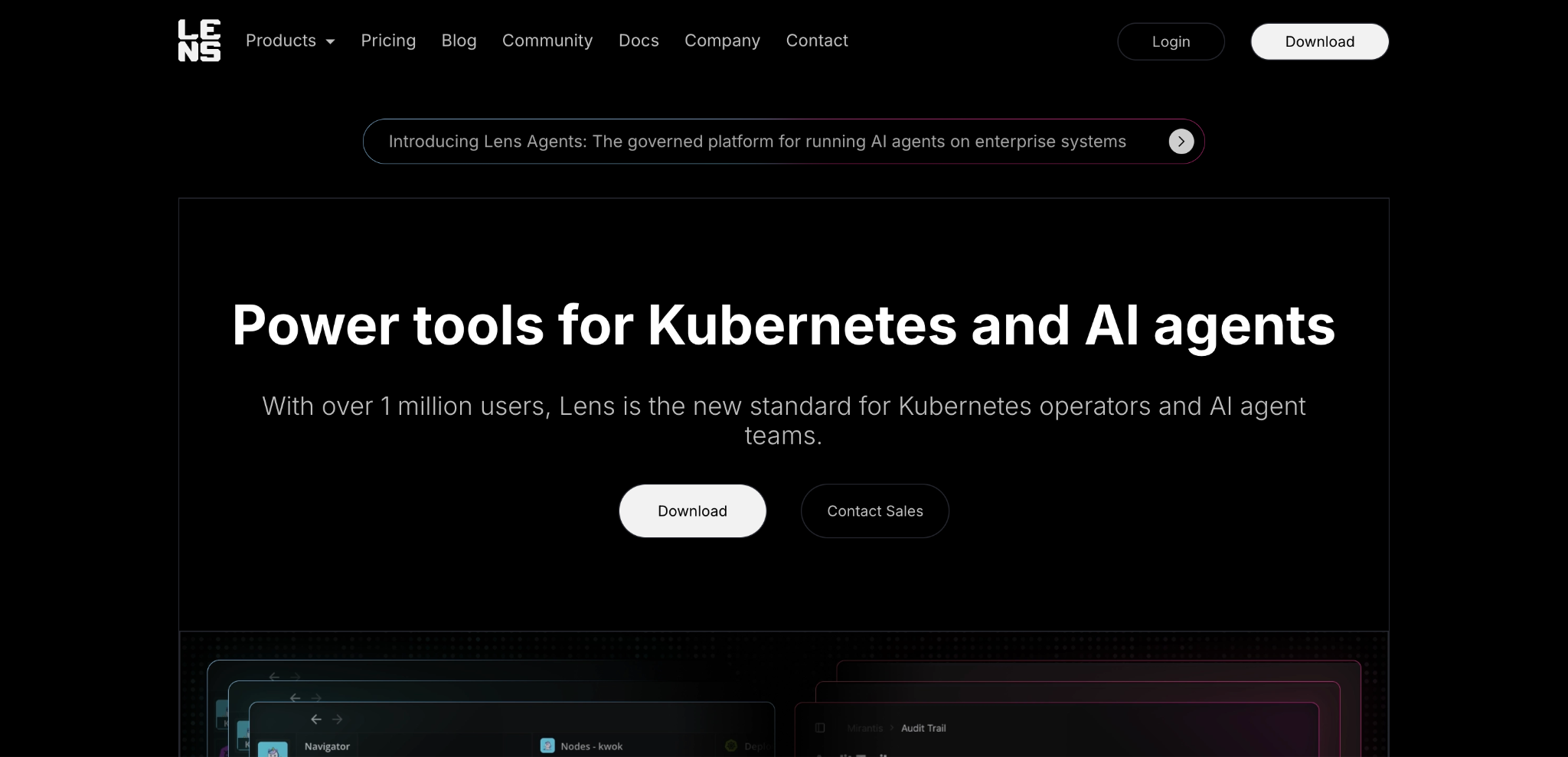
Lens is a desktop Kubernetes IDE from Mirantis, built for developers, DevOps, and SREs who work hands-on with clusters. It pulls logs, metrics, events, and an AI assistant into one graphical workspace, so you can inspect and operate clusters without hand-writing kubectl commands.
Key Features| Plan | Cost |
|---|---|
| Pro | $25/user/month (billed annually) |
| Enterprise | $50/user/month (billed annually) |
| Custom | Contact sales for volume pricing and custom deployments |
“One thing that can be a bit frustrating about Lens is its occasional slow load times. It can take a moment to retrieve data,” says Vijay M.
“It is very user friendly and easy to learn software,” shares Ravi Pratap S.
Who Lens is Best For
k9s is an open-source terminal UI for Kubernetes. It gives you a live, keyboard-driven view of your cluster from the command line, so you can navigate resources and run common operations far faster than typing out full kubectl commands.
Key Features| Plan | Cost |
|---|---|
| k9s | Free and open source (Apache 2.0) |
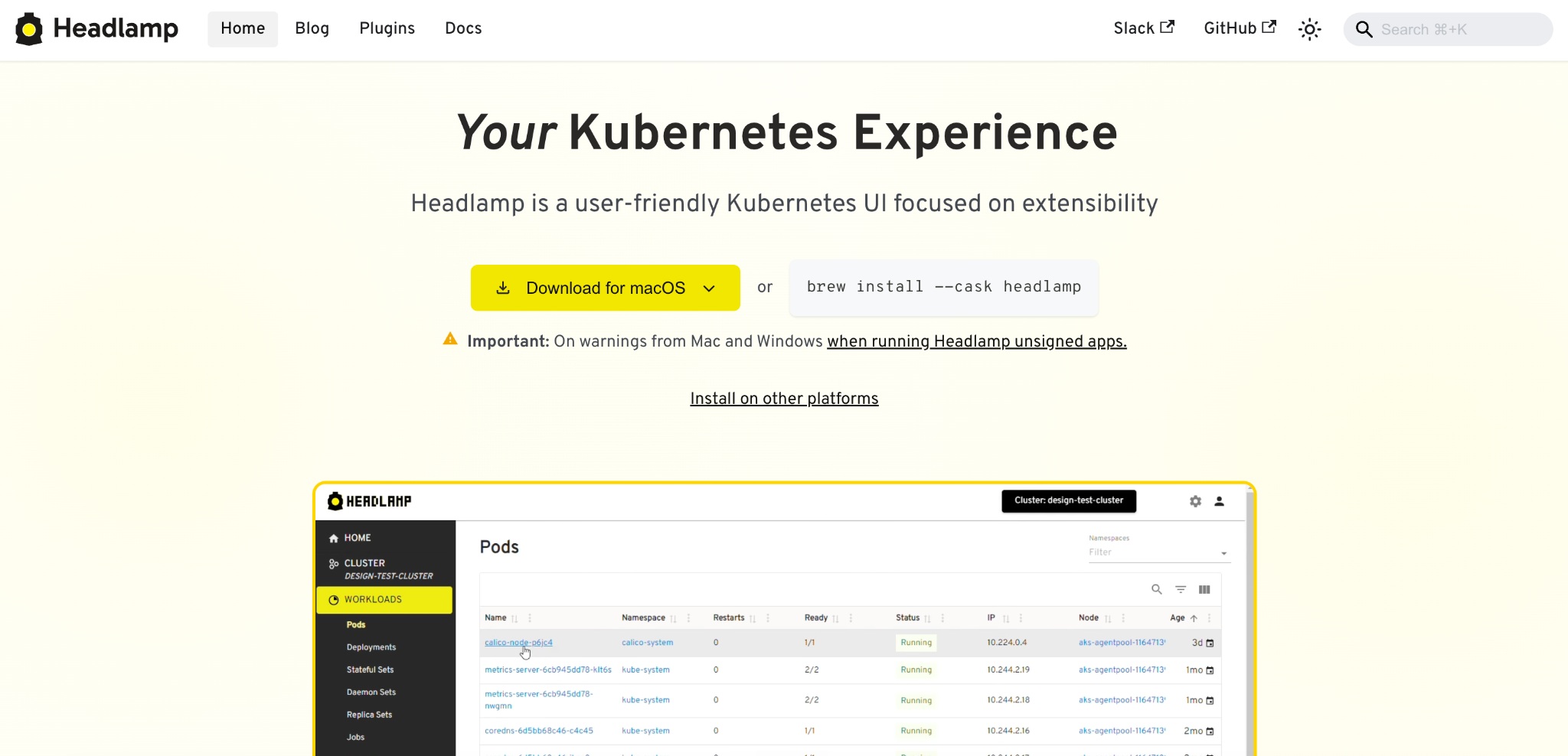
Headlamp is a user-friendly, open-source Kubernetes UI built around extensibility. It’s an official Kubernetes sub-project, part of SIG UI, and can run as a web app deployed in-cluster, as a desktop app against your kubeconfig, or both.
Key Features| Plan | Cost |
|---|---|
| Headlamp | Free and open source (Apache 2.0) |
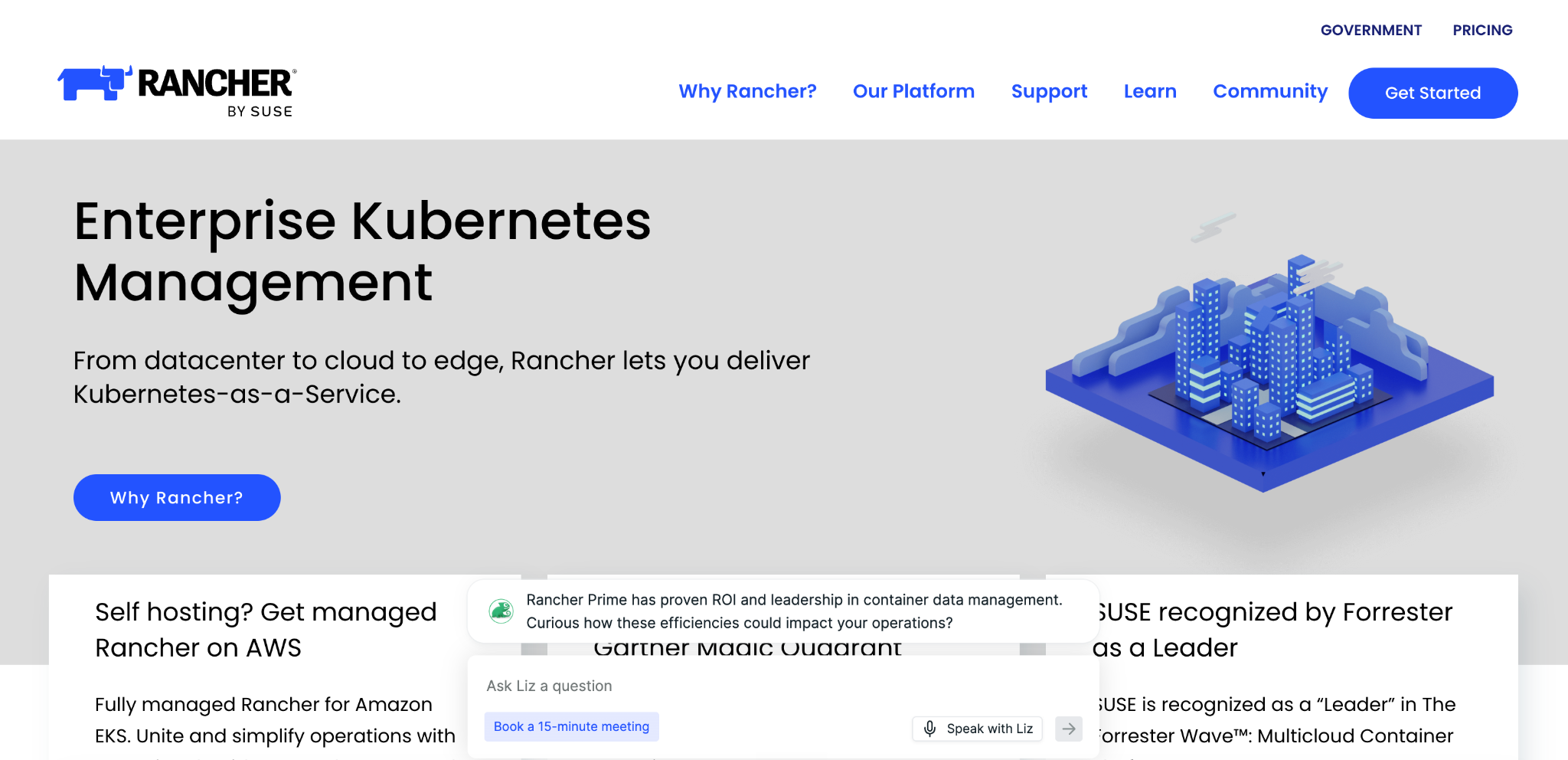
Rancher is a 100% open-source, multi-cluster Kubernetes management platform, now offered commercially by SUSE as Rancher Prime. It manages clusters from infrastructure to applications across bare metal, private cloud, public cloud, and vSphere.
Key Features| Plan | Cost |
|---|---|
| Rancher (community) | Free and open source |
| SUSE Rancher Prime | Per-node subscription, annual or multi-year, quote-based via SUSE sales |
| SUSE Rancher Suite | Quote-based via SUSE sales (adds virtualization, storage, security, and observability) |
“Some parts of the setup took a bit of figuring out, especially when we tried running Rancher on a local machine just to test things out. A couple of settings, like the built‑in cluster name, are locked down, so you can’t rename them the way you might want for a clean demo,” shares Prasanth K.
“I like SUSE Rancher's multi-cluster management because it helps me manage Kubernetes clusters at scale. I also appreciate the built-in RBAC and user management that provide a centralized view,” says Rezgui I.
Who Rancher is Best ForIf Rancher’s operational weight or pricing model has you weighing other options, see our guide to the best Rancher alternatives for a side-by-side look at lighter, more cost-predictable platforms.
If you’re running more than a handful of clusters, onboarding teammates who aren’t Kubernetes experts, and trying to keep access under control, you already know kubectl alone won’t get you there.
Every task becomes another command, every cluster a separate context, and every new hire another steep climb. At that point, you need a way to see and manage everything in one place, with guardrails that keep your environments safe as more people touch them.
Portainer is a self-hosted, lightweight container management platform built for exactly this. It gives your whole team one interface to deploy, manage, and govern Kubernetes, Docker, and Swarm, across cloud, on-prem, and edge, with role-based access control and audit logging built in, so your whole team can operate Kubernetes confidently without giving up control.
Want to see it on your own clusters? Get a demo and talk to our team about how Portainer fits your environment.
FAQs 1. Can I use a kubectl alternative alongside kubectl rather than replacing it entirely?Yes. Most teams run both, using a GUI or terminal tool for everyday work and dropping to kubectl, the bitnami/kubectl image, or commands like kubectl convert for the occasional task that needs the raw CLI.
2. Do kubectl alternatives work with managed Kubernetes services like EKS, AKS, and GKE?Yes. Most connect to managed clusters through your kubeconfig, and platforms like Portainer let you manage EKS, AKS, and GKE clusters alongside your on-prem and edge clusters from one interface.
3. Is it safe to give a third-party GUI tool access to my Kubernetes clusters?It depends on the tool. Look for one that enforces role-based access control, keeps audit logs, and can run self-hosted, so cluster credentials and activity stay inside your own infrastructure.
4. Do any kubectl alternatives work in air-gapped or on-premises environments?Yes. Self-hosted tools are the ones to look at here. Portainer, for example, installs entirely inside your own infrastructure, including fully air-gapped sites, with no dependency on an external service.
5. What if my team runs Docker alongside Kubernetes, do these tools cover all three?Not all of them. Many focus on Kubernetes only. Portainer is one of the few that manages Kubernetes, Docker, and Swarm together through a single interface.
| # | Наименование новости | Тональность | Информативность | Дата публикации |
|---|---|---|---|---|
| 1 | Best Kubernetes Dashboard Alternatives & Competitors in 2026 | 0 | 7 | 02-02-2026 |
| 2 | Best 5 OpenShift Alternatives For Kubernetes Management & More | 0 | 5 | 05-02-2026 |
| 3 | Top 5 Rancher Alternatives For Kubernetes Management In 2026 | 0 | 5 | 05-02-2026 |
| 4 | 5 Best Docker Swarm Alternatives & Why You Should Migrate | 0 | 5 | 11-04-2026 |
| 5 | 9 Best Kubernetes Alternatives & Management Platforms in 2026 | 0 | 5 | 06-05-2026 |
| 6 | 7 Best Kubernetes Managed Service Providers for 2026 | 0 | 7 | 17-03-2026 |
| 7 | 7 Best Kubernetes Management Tools Tested & Ranked for 2026 | 0 | 5 | 06-05-2026 |
| 8 | Portainer: The Essential Tool for Docker Swarm Users Facing a Kubernetes Future | 5 | 7 | 20-02-2026 |
| 9 | Kubernetes Platform Support: Reduce Operational Risk at Scale | 5 | 7 | 25-03-2026 |
| 10 | 7 Best Kubernetes Deployment Tools in 2026: In-Depth Review | 5 | 7 | 02-05-2026 |