Просмотр новости
Найдите то, что Вас интересует
 Спутники
 РН
РН SpaceX
 Роскосмос
 NASA
NASA
СпутникиРНSpaceXРоскосмосNASAAirPods Pro 3 are a fantastic upgrade over their already-strong predecessor, and one underrated advantage of the new model is a powerful health feature: heart rate sensing. Here’s how to use it.
AirPods Pro 3 are a fantastic upgrade over their already-strong predecessor, and one underrated advantage of the new model is a powerful health feature: heart rate sensing. Here’s how to use it.
Heart rate sensing with AirPods Pro 3: Everything you should know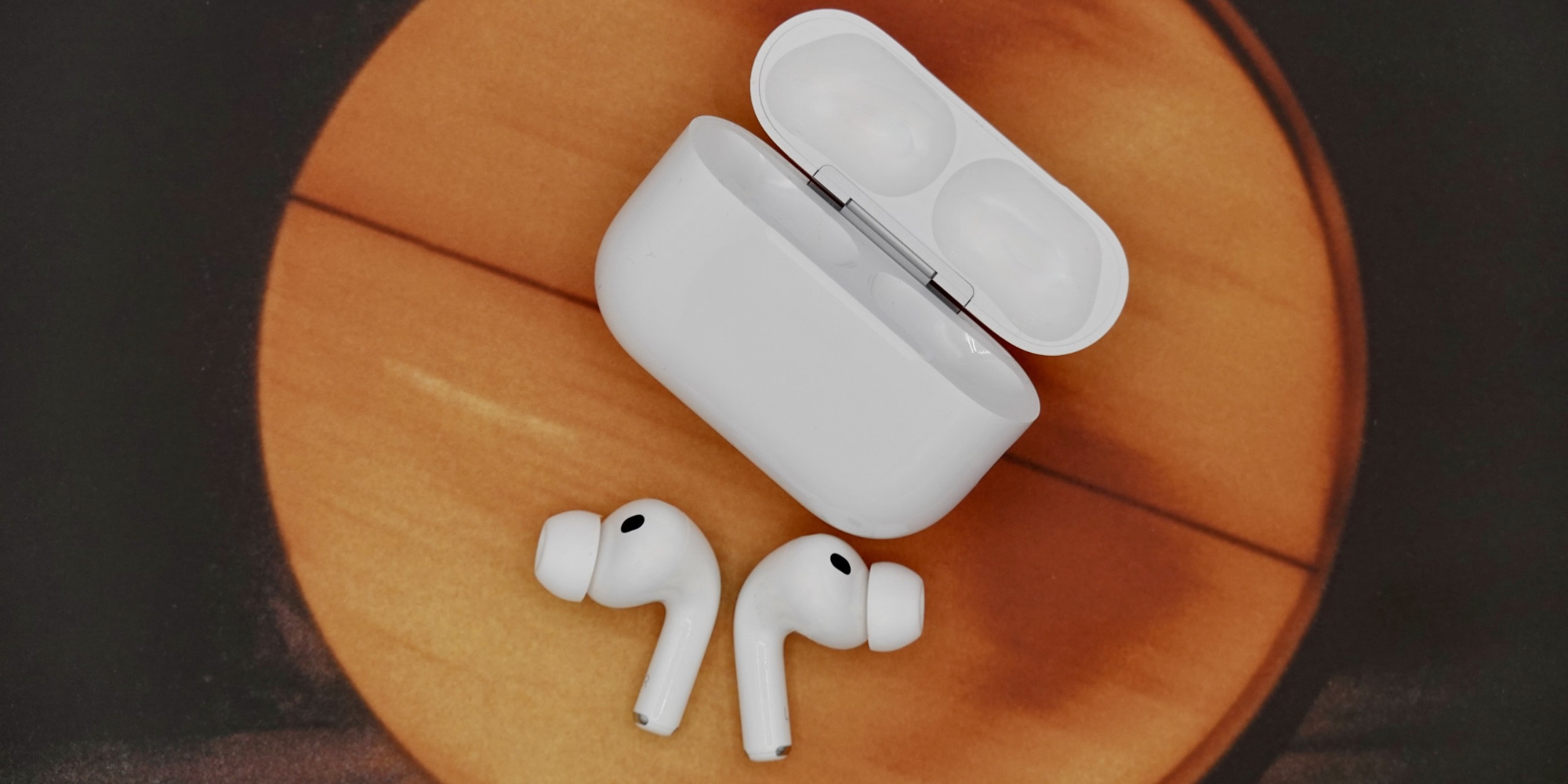
When Apple unveiled AirPods Pro 3 this fall, it improved nearly every aspect of what made AirPods Pro 2 so great. It also brought AirPods further into “health device” territory by adding a heart rate monitor.
Heart rate sensing lets AirPods Pro 3 users view their heart rate data inside the Health app on iPhone, and also enables closing Activity rings without an Apple Watch. There are special perks in Apple Fitness+ too.
Here’s how heart rate sensing works, and how to use it.
First, make sure you have the feature enabled.
While wearing AirPods Pro 3, visit the Settings app on your iPhone, then tap your AirPods’ name at the top of the screen, and scroll down near the bottom to find ‘Heart Rate.’ Make sure this is toggled on.
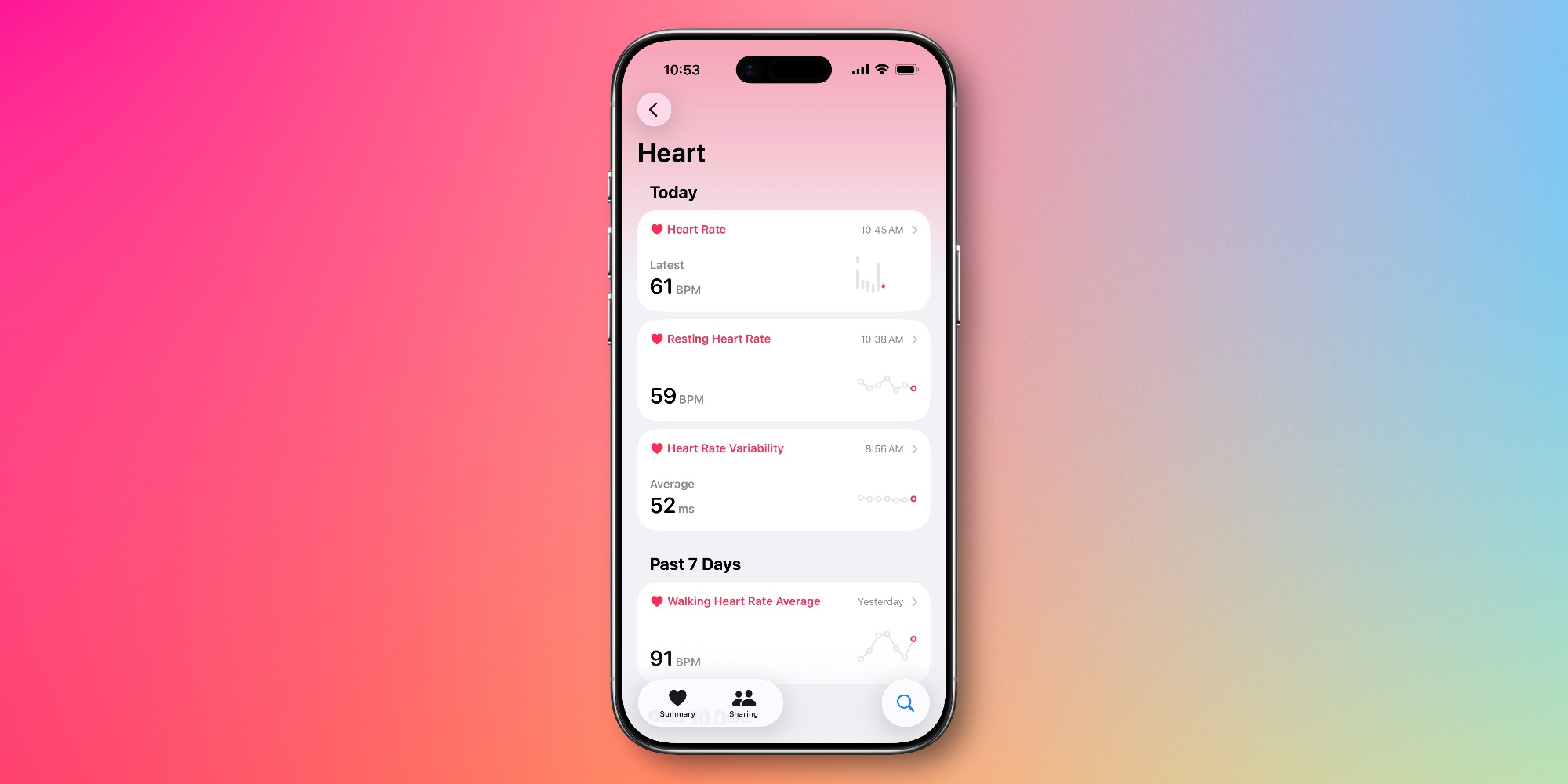
Once enabled, your heart rate data will be automatically logged to the Apple Health app on your iPhone. You can find it by opening Health, then hitting the search icon in the bottom-right, and tapping ‘Heart.’
 Improving heart rate sensing accuracy with AirPods Pro 3
To get the most accurate heart rate readings, Apple recommends the following tips:
Following this guidance will ensure your heart rate readings are as accurate as possible.
If you wear both AirPods Pro 3 and an Apple Watch, both devices will be used to track your heart rate. Apple says the “highest-confidence source” will be logged in any given moment.
Have you been using AirPods Pro 3’s heart rate monitoring? How has it worked for you? Let us know in the comments.
Best AirPods Pro deals and accessories


FTC: We use income earning auto affiliate links. More.

| # | Наименование новости | Тональность | Информативность | Дата публикации |
|---|---|---|---|---|
| 1 | Here’s how the AirPods’ heart rate sensor fares against Apple Watch and other wearables | 0 | 18.59 | 24-06-2026 |
| 2 | When is Apple releasing new AirPods? | 0 | 11.5 | 08-07-2026 |
| 3 | AirPods Pro 3 keep getting better, here’s what’s new in iOS 27 | 0 | 16.2 | 06-08-2026 |
| 4 | AirPods Pro 3: Better today than at launch [Video] | 0 | 11.32 | 14-04-2026 |
| 5 | AirPods Pro 3 after four months: Revisiting fit, comfort, more | 0 | 12.18 | 27-01-2026 |
| 6 | Apple just released new AirPods Pro 3 firmware update | 0 | 16.1 | 30-04-2026 |
| 7 | Apple just released new AirPods Pro 3 firmware, plus more | 0 | 12.4 | 24-03-2026 |
| 8 | Apple just released new AirPods Pro 3 firmware, more | 0 | 15.95 | 16-06-2026 |
| 9 | iOS 27 gives AirPods custom EQ and heart rate sync | 0 | 5 | 08-06-2026 |
| 10 | The AirPods Pro 3 is $59 Off | 0 | 12.15 | 15-08-2026 |