Просмотр новости
Найдите то, что Вас интересует
 Спутники
 РН
РН SpaceX
 Роскосмос
 NASA
NASA
СпутникиРНSpaceXРоскосмосNASA
Microsoft Edge includes a built-in Read Aloud feature that reads web articles out loud for free. The Speechify extension offers higher voice quality and skips web clutter better, but charges $29 per month. Here is how the two text-to-speech tools compare in my testing.
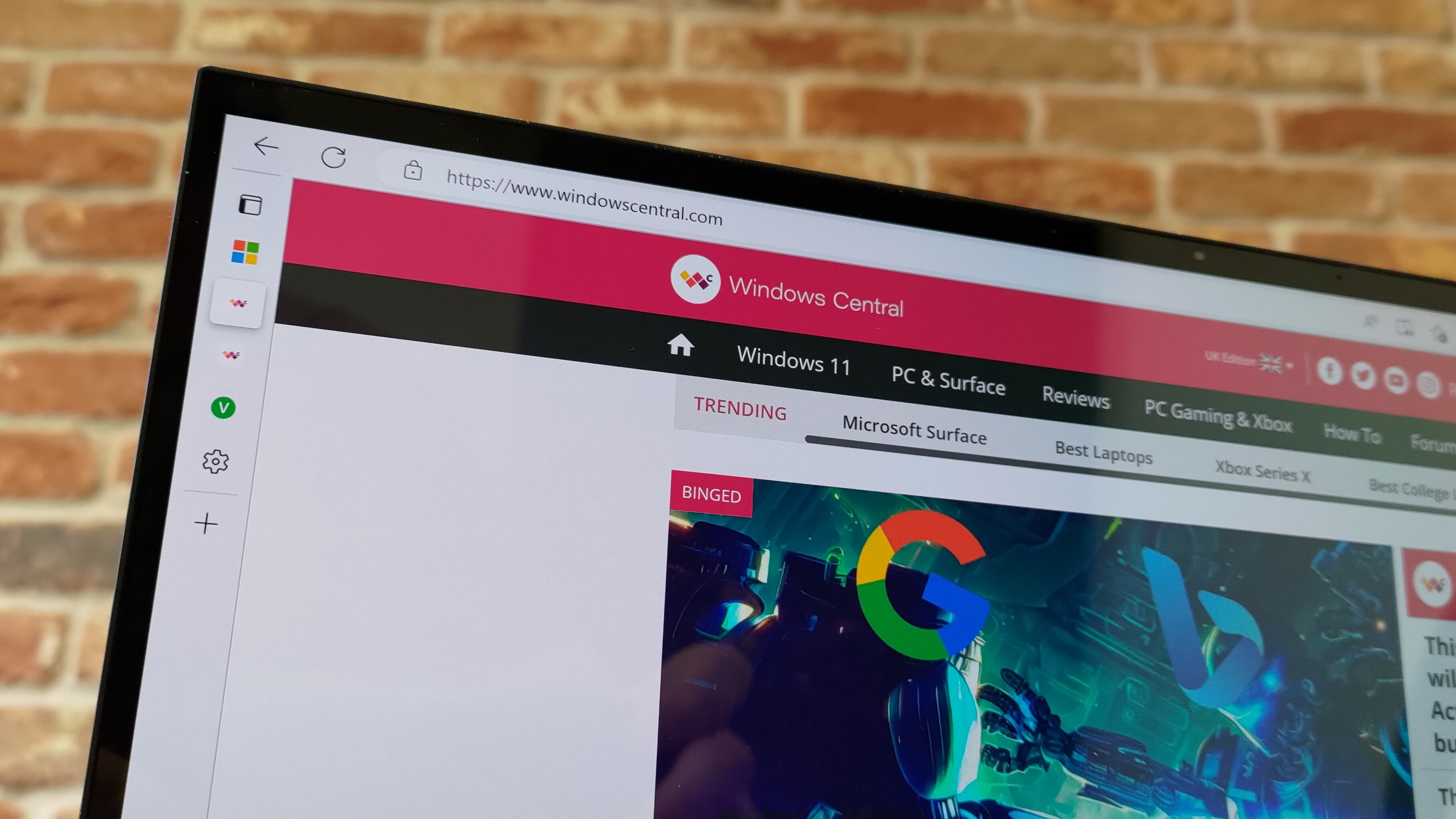 Microsoft Edge has a built in Read Aloud feature that can read articles.
(Image credit: Future)
Microsoft Edge has a built in Read Aloud feature that can read articles.
(Image credit: Future)
Microsoft Edge has a lot of built-in features that go unnoticed. Read Aloud has been part of Edge for a long time, and I use it all the time to review articles and listen to content. But after weeks of testing, I understand how Edge's Read Aloud feature stacks up against a dedicated tool for text-to-speech.
Speechify launched a Windows app earlier this year that adds real-time text-to-speech and voice typing to PCs. There was already a Speechify web extension, which is what I used for testing here. Speechify shared Premium access with me to help me assess their app and extension, so I've had several months to get used to them and compare them to alternatives.
Interestingly, Speechify and Read Aloud in Edge excelled in different areas.
Accuracy and cadence
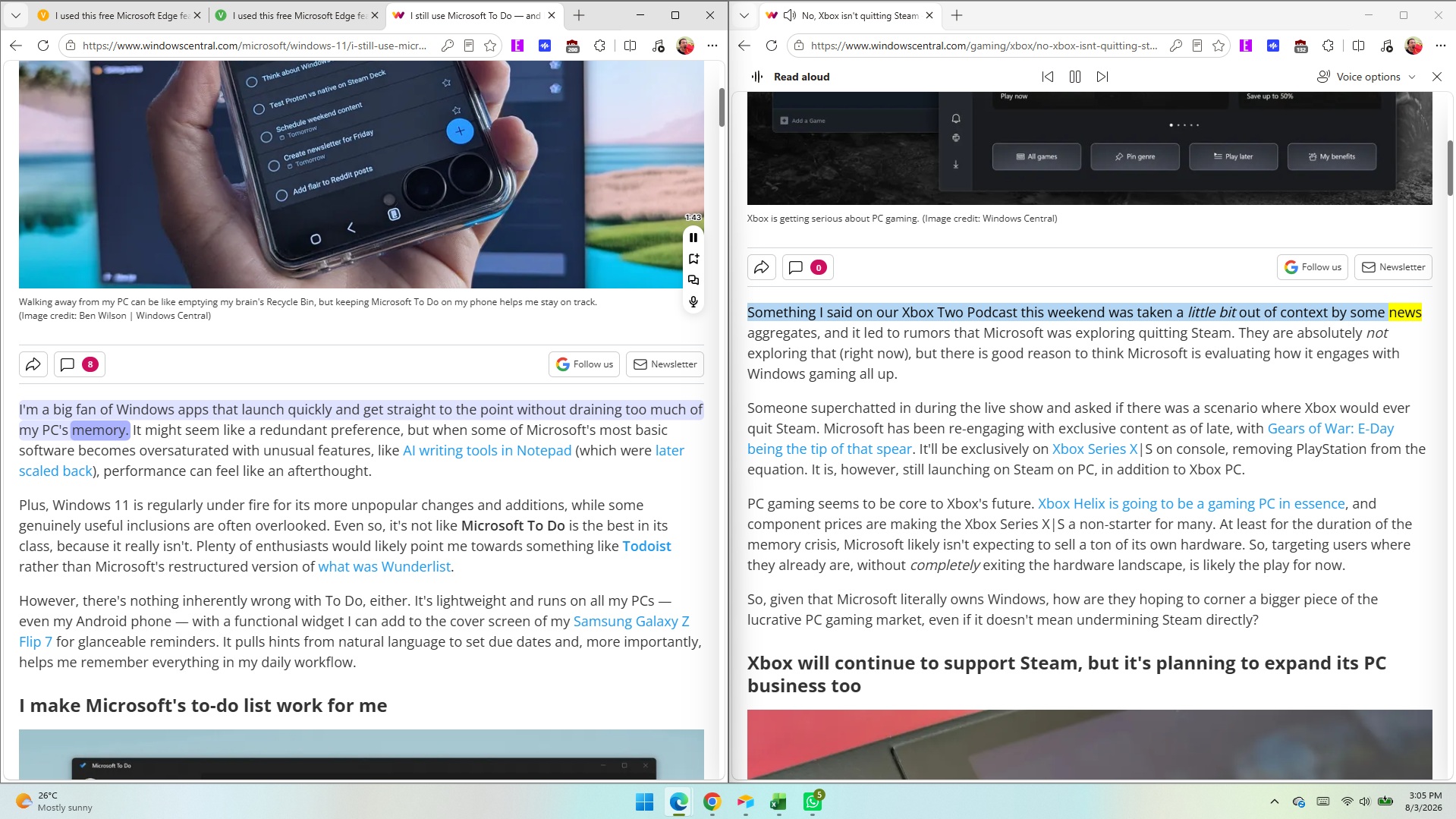
Read Aloud supports a large library of voices. These are fun to play around with since there are quite a few English options sporting different accents.
All of the voices marked as "Natural" in Read Aloud sound fluid and are easy to understand. Occasionally, the feature will pause for a moment as it decides where to jump to next on a page (more on that below).
Read Aloud finds text well and presents pages using voice, allowing you to multitask or absorb content through both reading and listening.
While Edge's voices sound fluid, Speechify's voices sound more natural. They sound as if a voice actor is in a booth reading to you. There's a bit more bass in each voice and more depth than what's in Edge.
All the latest news, reviews, and guides for Windows and Xbox diehards.
Speechify has several celebrity voices, which to be honest I'm not too fussed about. I don't need robot Gwyneth Paltrow to read me the latest Xbox news, but it's an option if you'd like her to.
Voices in Speechify are labeled based on their key characteristic, such as "Velvety" or "Easygoing." The "Resonant" Dominic voice would be a great choice to read the next Sarah J. Maas novel, but I don't think he's the best option for tech news.
Because Speechify's voices are clear and natural-sounding, you can play them at faster speeds before they sound ridiculous. I'm able to play Speechify voices at over 2.2x speed and still understand them. Edge's Read Aloud voices max out at around 2x speed before they're difficult to understand.
Dealing with the modern webThe modern web is full of inserts, page breaks, ads, and other components. When you read an article online, you rarely see a large block of uninterrupted text. In fact, my editor would tell me off if I published a piece of just text.
In order for articles to be visually engaging, publishers place block quotes, embedded posts, videos, and other items. When you read an article, you scan over certain content without thinking. If you spend a lot of time on the web, you've learned what should be read as part of an article, such as a block quote, and what is separate, like a list of related pieces.
Microsoft Edge's Read Aloud feature has not learned the same lessons. It will jarringly jump between the main text of a piece and a "You May Like" section.
In contrast, Speechify sticks with the main text of an article and hops over inserts that are off-topic. In my testing, Speechify correctly identifies the content I'd like read, such as block quotes, but bypasses things I'd want to circle back to later and click.
Both Read Aloud in Edge and Speechify hopped past ads in my experience, which is nice.
Is Edge Read Aloud better than Speechify?
Edge's Read Aloud feature is surprisingly solid for a free tool that's built into Microsoft's browser. If you only care about listening to the web, it's the better choice for most people.
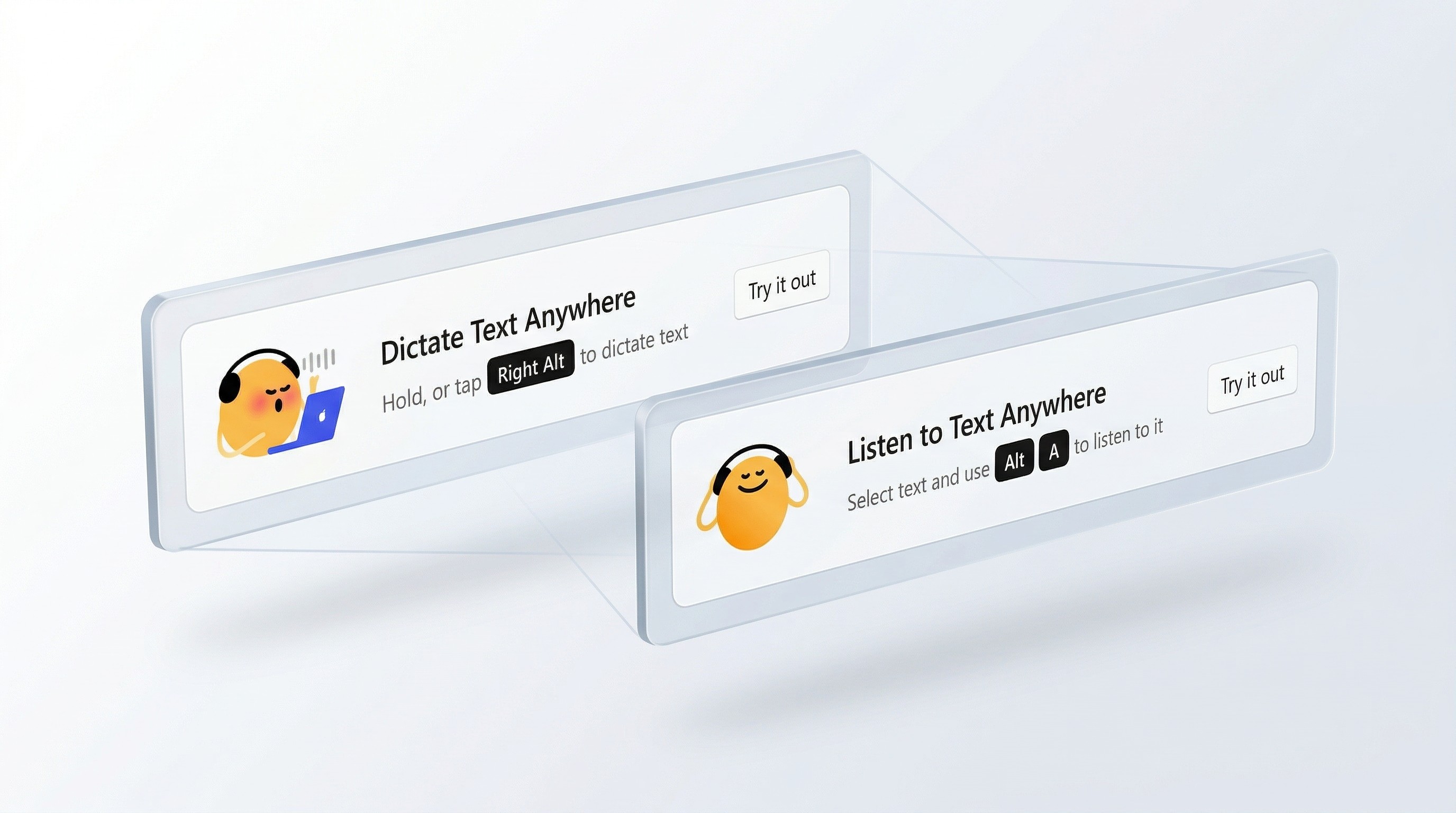
Speechify is not worth its subscription cost if you only plan to use it to listen to articles out loud. A large portion of Speechify's value comes from its dictation features.
Don't get me wrong, Speechify is very good at reading websites and documents out loud. I prefer how it handles ads, text blocks inserted into pieces, and other website components. I also prefer the voices in Speechify.
But Edge's built-in Read Aloud feature works well and is free. Paying $29 per month is a large investment to listen to articles.
If you need to dictate text and listen to articles, I'd suggest trying Speechify.

Join us on Reddit at r/WindowsCentral to share your insights and discuss our latest news, reviews, and more.
Sean Endicott is a News Writer at Windows Central, where he covers Windows 11, Surface hardware, Microsoft 365, AI, apps, and the broader PC ecosystem. Since joining the site in 2017, he has written well over a thousand articles across the Microsoft landscape, covering breaking news, analysis, and feature reporting.
He writes Windows Wrap, a weekly column covering the biggest stories in Windows and the PC industry, and what they mean for the platform going forward.
Before joining Windows Central full-time, Sean worked in journalism and media production after earning a First Class degree in Broadcast Journalism from Nottingham Trent University. Outside of tech, he is an award-winning American football coach based in Nottingham, England, and was named BAFCA Youth Coach of the Year in 2024.
| # | Наименование новости | Тональность | Информативность | Дата публикации |
|---|---|---|---|---|
| 1 | Microsoft Edge exclusively had this Windows 11 feature for 10 years that Chrome finally got | 0 | 15.65 | 26-07-2026 |
| 2 | Here's a quick look (and listen) at Xbox's new voice clip recording feature, available to insiders | 0 | 8.14 | 06-08-2026 |
| 3 | Microsoft expands its in-house AI push with new image and voice models | 0 | 19.89 | 23-07-2026 |
| 4 | Ниже падать некуда. Microsoft начала приплачивать тем, кто заманит друзей в браузер Edge на Android и iPhone | 0 | 6.97 | 24-08-2026 |
| 5 | Ниже падать некуда. Microsoft начала приплачивать тем, кто заманит друзей в браузер Edge на Android и iPhone | 0 | 6.97 | 24-08-2026 |
| 6 | Microsoft Edge Canary 153.0.4199.0 by Microsoft Corporation | 0 | 14.92 | 05-08-2026 |
| 7 | Microsoft Edge Canary 153.0.4197.0 by Microsoft Corporation | 0 | 14.92 | 04-08-2026 |
| 8 | Microsoft is still using ‘deceptive tactics and design’ to force you to use Edge | -5 | 7 | 16-07-2026 |
| 9 | Voice Search | 0 | 7.34 | 12-05-2026 |
| 10 | Microsoft пересмотрела свою политику и разрешила вход в Edge через Google-аккаунт | 0 | 5 | 05-07-2026 |
